
Ticket Statements are sent from the event dashboard to the ticket purchaser.
The Ticket Statements dashboard is available from the main Auctria Dashboard by clicking Tickets, then Ticket Statements under the Communications sidebar.
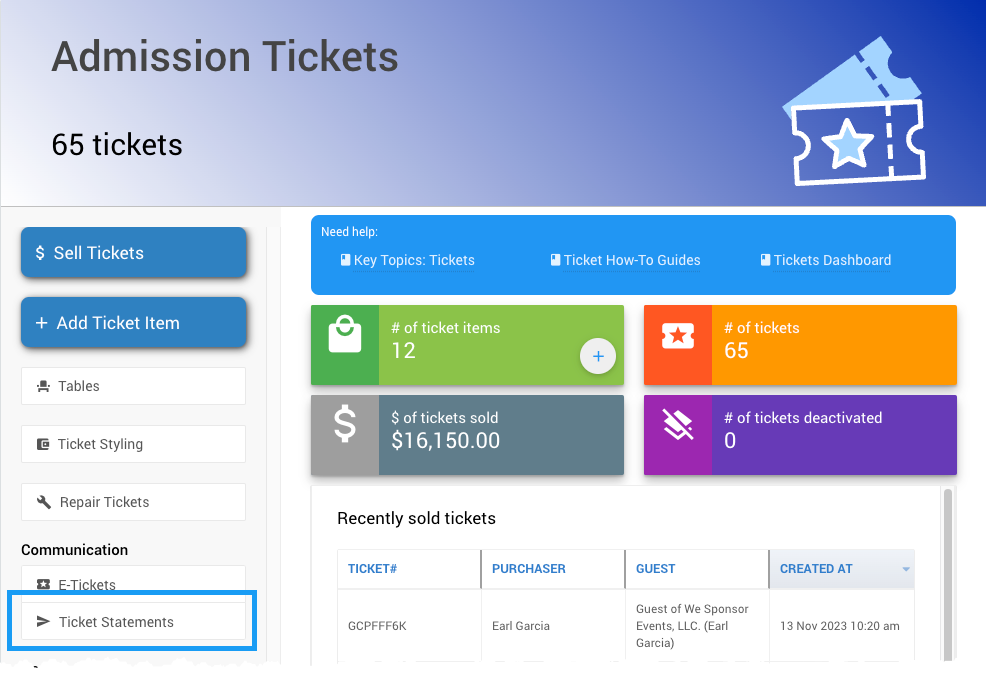
An example from a demonstration event.
The Ticket Statements dashboard is used to send ticket statements to groups of participants who have purchased tickets.
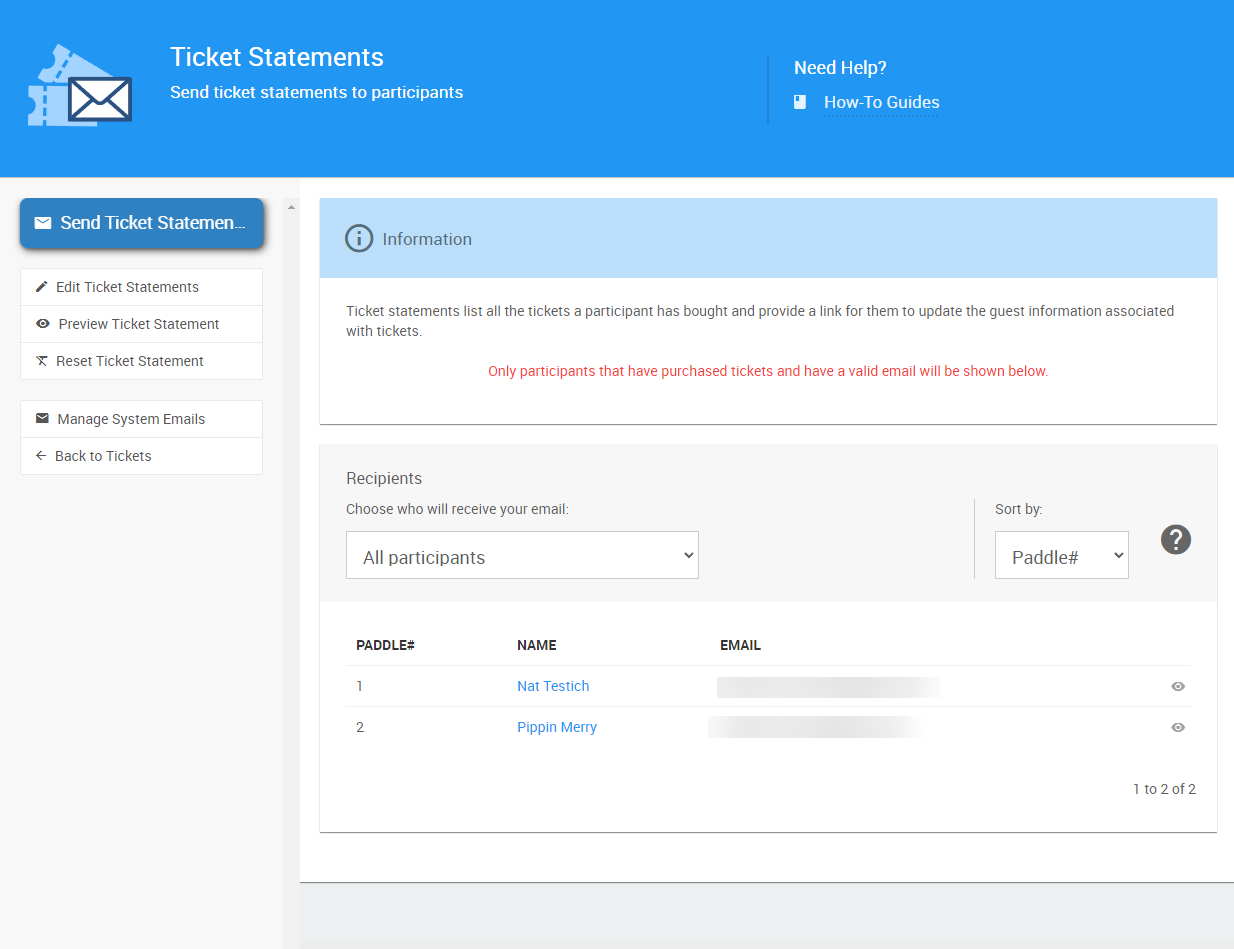
An example of a default Ticket Statements Recipients list.
The Recipients list can be edited to use other filters. See Choose Participants Filters for more information on making these changes and the filters available.
Statements only reach purchasers
A ticket statement is only sent to the purchaser of a ticket. A participant selected through the Recipients list who didn't directly purchase a ticket won't receive an email, even if they're included in the selection.
The Ticket Statement lists all the tickets the participant has purchased, along with the guest details related to those tickets.
Actions
Send Ticket Statements
Click Send Ticket Statements to trigger a confirmation pop-up. Click Continue on the pop-up to email the statements.
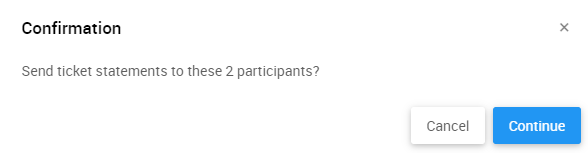
An example from a demonstration event.
Edit Ticket Statements
Opens the Email Editor with the Ticket Statement pre-loaded for editing.
Preview Ticket Statement
Opens a generic preview of the Ticket Statement using demonstration data. Click the eye icon beside a specific recipient to see a preview of their actual Ticket Statement.
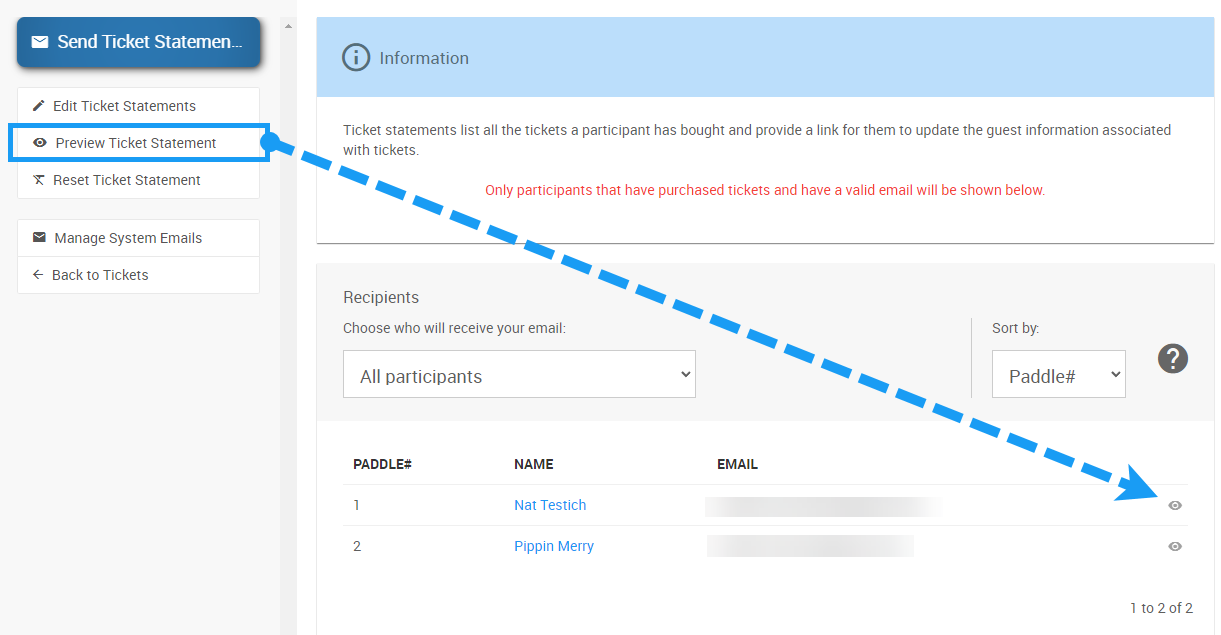
An example from a demonstration event.
Reset Ticket Statement
Opens a confirmation window to reset the Ticket Statement to its default layout. Click Continue to proceed.
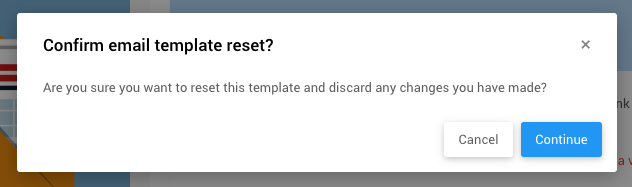
An example from a demonstration event.
Manage System Emails
Takes you to the System Email Manager.
Back to Tickets
Takes you to the main Tickets dashboard.
Note
See Editing Emails for more information on the Email Editor, and System Emails for reference on System Emails.