
The Expandable Block element creates an accordion-style section on your event website, letting you display content in collapsible panels.
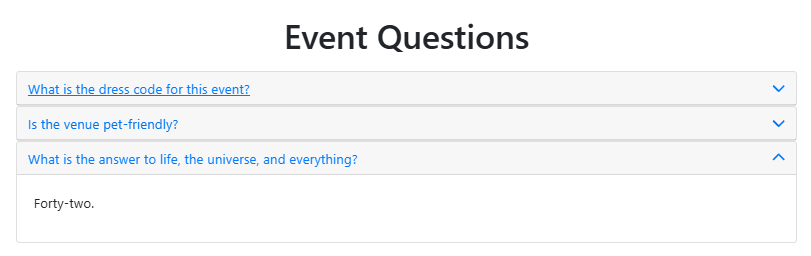
An example of an Expandable Block element beneath a Heading element.
This is useful for FAQs, event schedules, or any content you want to keep organized and easy to navigate.
Adding an Expandable Block to a page
Drag More Column Content from the Website Editor Sidebar into a column space to open the Choose Content window, then select Expandable Block from the Basic Content tab.
Editing the Expandable Block
To open the Edit/Add Expandable Block window, double-click the element on the page or click the Add blocks button.
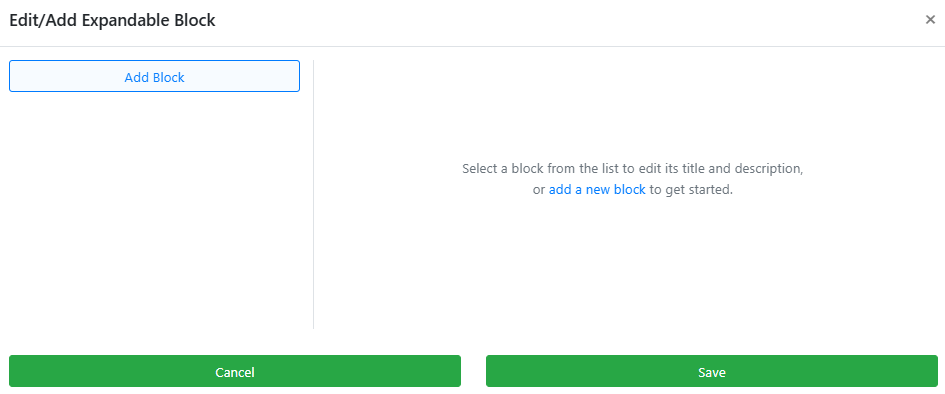
An example from a demonstration event.
Click Add Block to add your first block. Enter your preferred content in the Title and Description fields. Both fields support text formatting, including bold, italic, and font color changes.
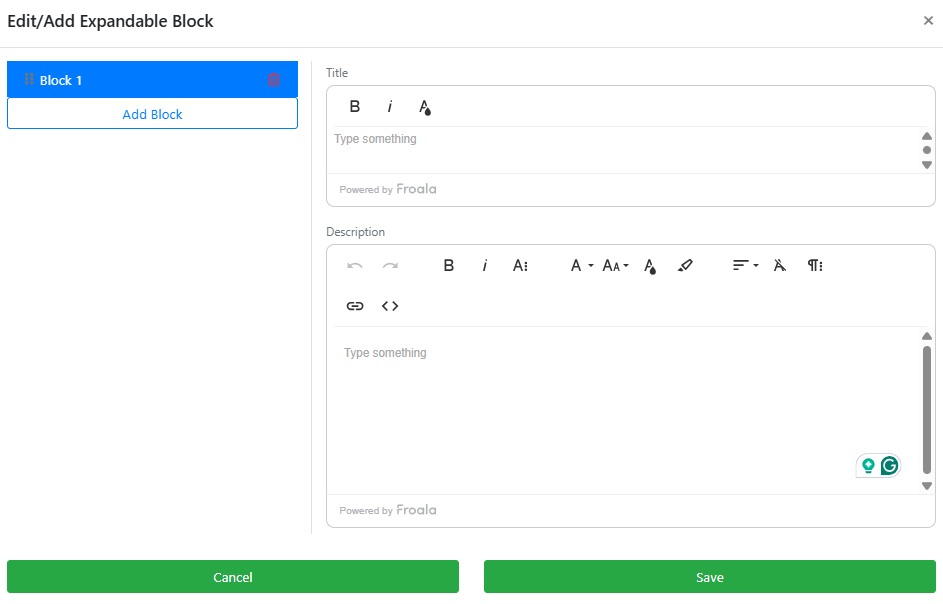
An example from a demonstration event.
To add another block, click Add Block again. The new block appears beneath the previous one. Continue adding blocks as needed, then click Save when done.
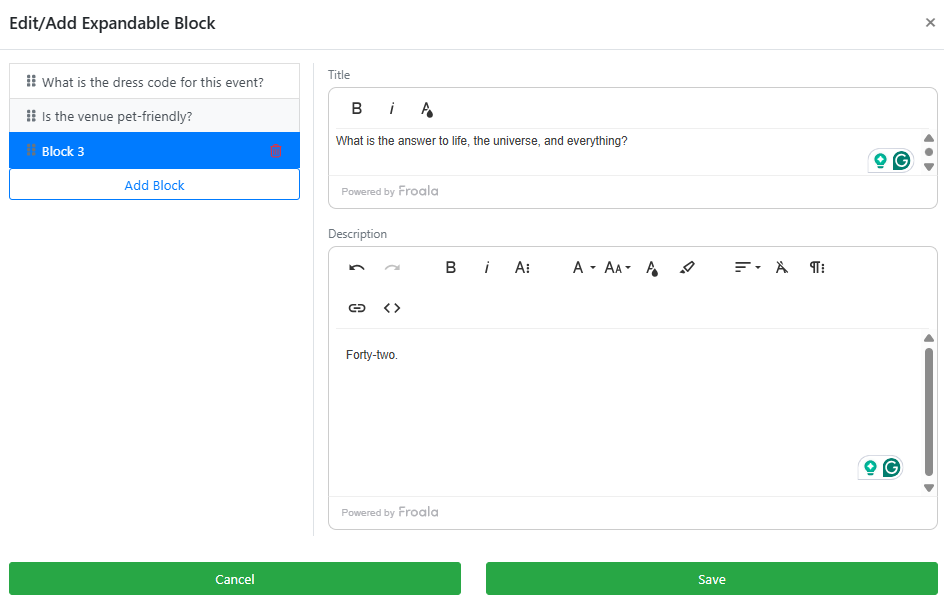
An example of multiple blocks from a demonstration event.
Expandable Block Settings
When the element is selected, the Website Editor Sidebar displays two toggle options for controlling how the accordion behaves when guests view the page.
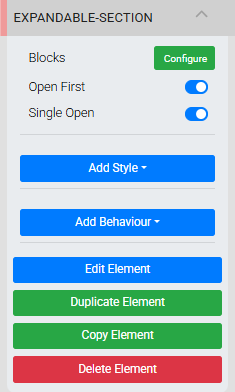
An example from a demonstration event.
| Toggle | Description |
|---|---|
| Open First | When enabled, the first block is open by default when the page loads. |
| Single Open | When enabled, only one block can be open at a time — opening a new block automatically closes the previously open one. |
See Common Element Actions for more details on managing the Expandable Block element.