
Learn how to create a custom footer for your emails.
By default, Auctria inserts a footer section into the Footer area of all your emails. This page shows you how to customize it.
Step 1: Review the Default Footer
The default footer section contains:
- A Divider separating the email body (the Page section) from the footer section.
- A Text Element element with contact details taken from your Organization Details.
- A Social Media Bar content block using your Organization's Social Media Links.
- A Text Element element with a link that lets people receiving the email unsubscribe.
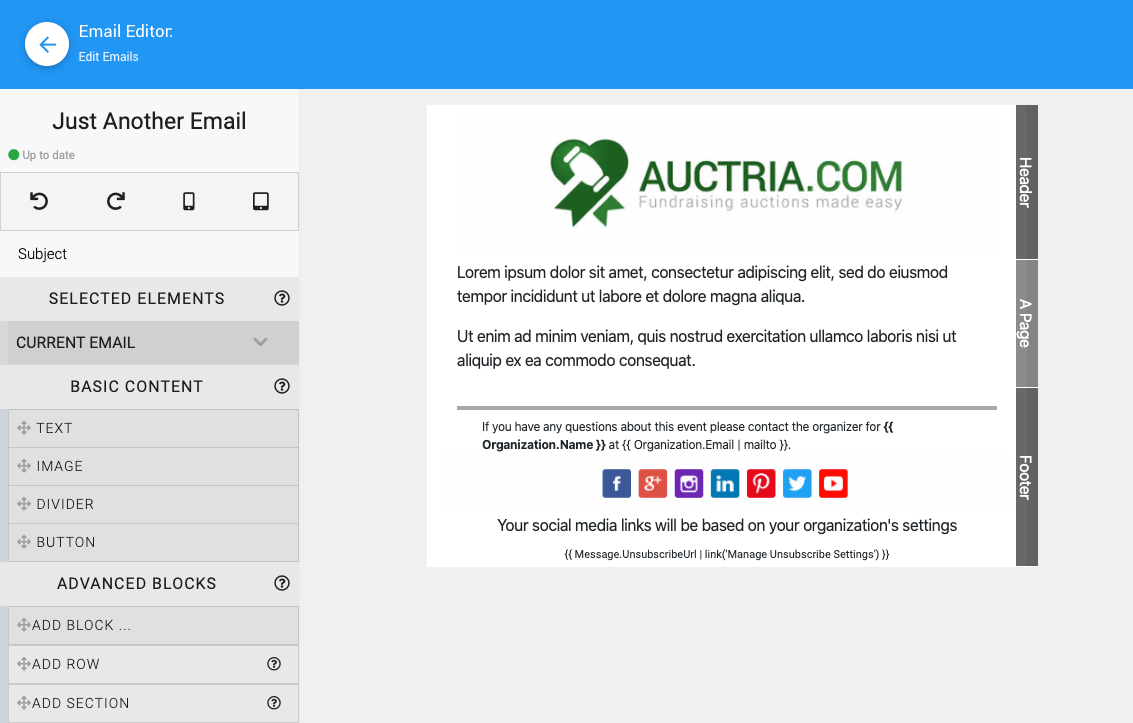
An example email showing the default footer, from a demonstration event.
Changes Apply to All Emails Using the Default Footer
Changing the default Footer changes the footer in ALL emails that use it.
Step 2: Use a Different Footer
If you'd like one email to use a different footer, you can turn off the default footer for just that email and build your own.
The Current Email section lets you set the email Subject and choose whether the email uses the default header and/or footer.
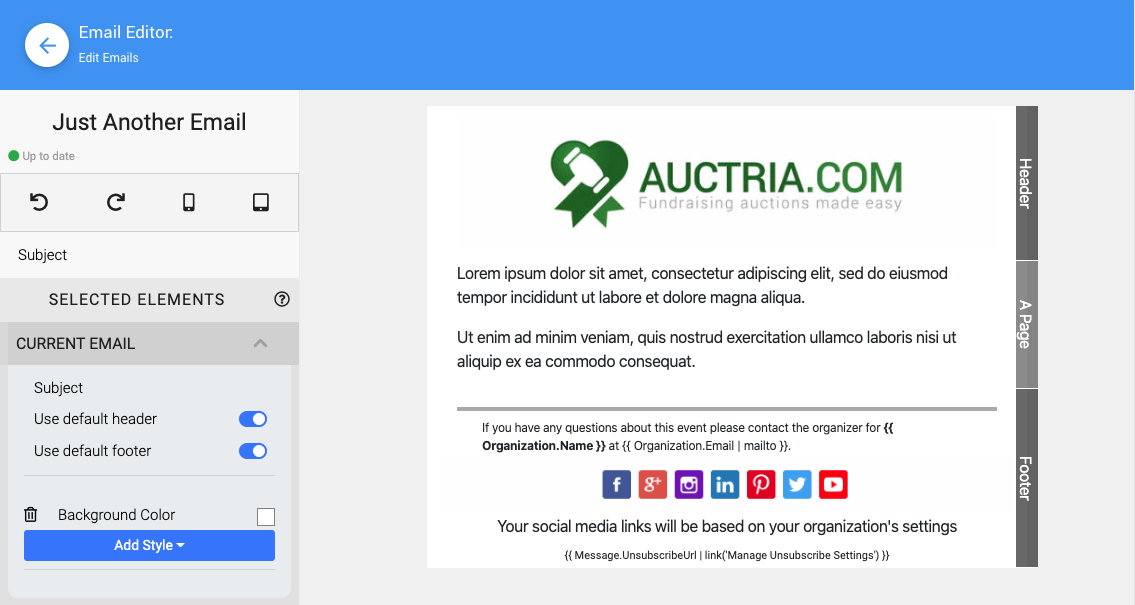
The Current Email section of the Email Editor from a demonstration event.
To build your own footer:
- In the Current Email section, toggle Use default footer to off.
- Add a new section for your Custom Footer.
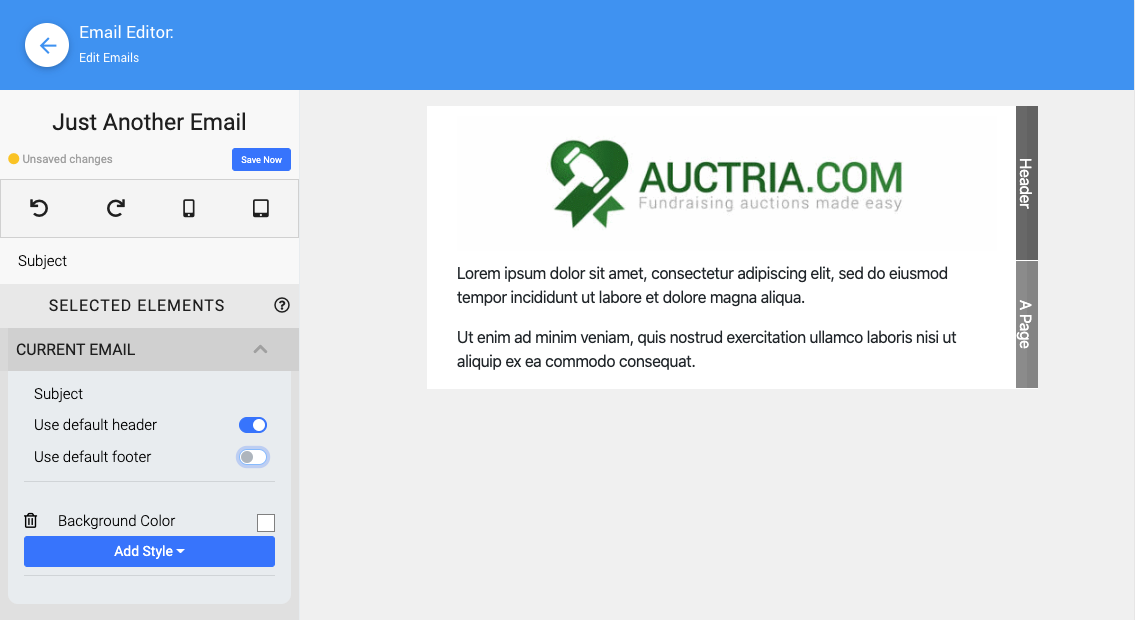
The Use default footer option toggled off in the Current Email section.
Adding a Section
Adding a section works the same way in the Email Editor as it does in the Website Editor. See Website Editor Sidebar | Add Section for more information.
Step 3: Customize Your New Footer
The new section is added to the bottom of the Page area of the email. Any rows and content you add to this section become the new footer for this email.
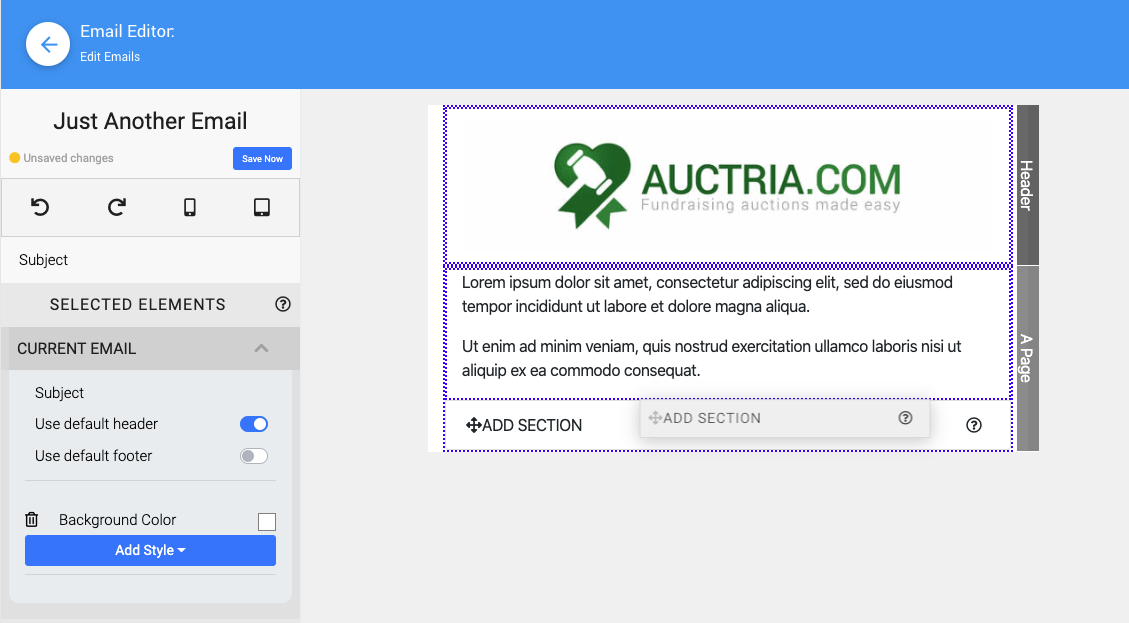
A new custom footer section added to the bottom of the Page area.
Use the same methods you'd use to add any new section or rows, then add content to the rows you created to customize your footer however you like.
For example, you might want a different Divider, a block with just a text link to the Auctria Bidder Mobile App, and the Contact Details for your organization.
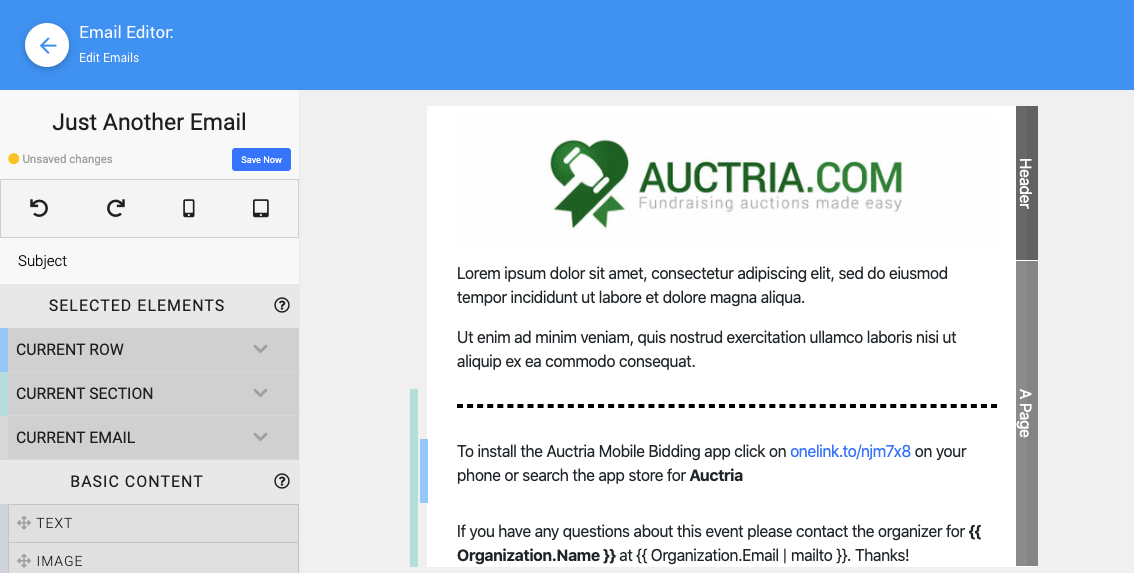
An example of a new custom footer in the Email Editor.