
Learn how to add a styled quote block to your event website using the Quote element.
The Quote element displays a styled pull quote with optional attribution, filling the full width of the column it is placed in. It consists of two Text Element elements: a Quotation and a Citation.
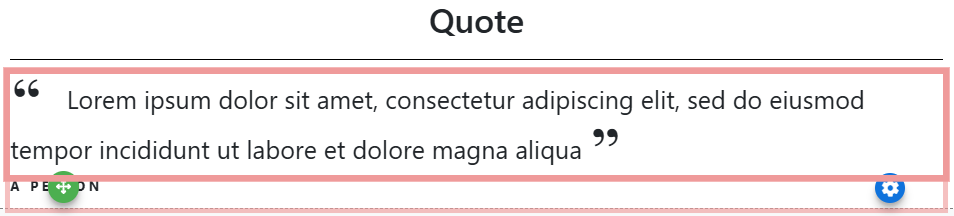
An example of the Quote element on the event website in Edit mode.
Adding a Quote to a page
Drag the More Column Content element from the Website Editor Sidebar into a column space to open the Choose Content window. Select the Rich Content tab, then click Quote.
Editing the Quote Element
Double-click either component to open its text editor.
| Component | Description |
|---|---|
| Quotation | The quote text, displayed with decorative quotation marks. |
| Citation | The attribution — typically the name of the person the quote is from. |
Displaying the Quotation only
If you don't need the Citation, you can remove it using the Delete Element action in the Website Editor Sidebar. There is no confirmation when the element is deleted.
See Common Element Actions for more details on managing the Quote element.