
Learn how to add a styled callout block to your event website using the Callout element.
The Callout element is a styled content block built around a Text Element element. Use it to highlight important information or draw attention to specific content on a page.

An example of the Callout element on the event website in Edit mode.
Adding a Callout to a page
Drag the More Column Content element from the Website Editor Sidebar into a column space to open the Choose Content window. Select the Rich Content tab, then click Callout.
Editing the Callout
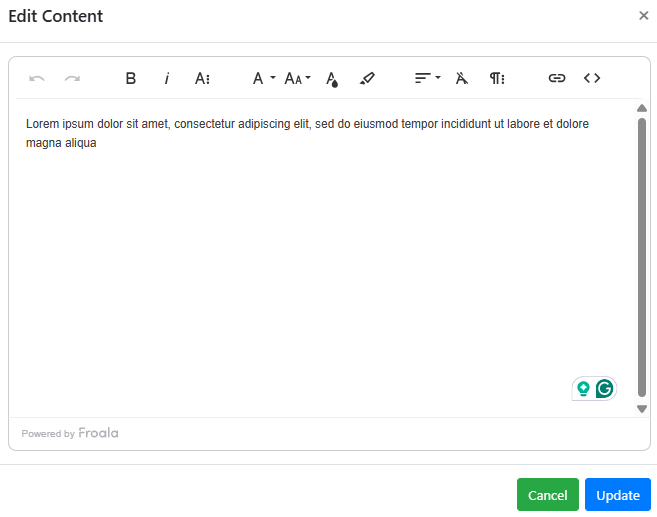
The Text element inside the Callout can be edited the same way as any other Text Element element — double-click it to open the Edit Content window.
An example from a demonstration event.
Callout content
A Callout can only contain its default Text element. You can, however, add other elements into the same column space alongside the Callout.
See Common Element Actions for more details on managing the Callout element.