
Learn how to configure shipping options for your event's online checkout process.
Shipping is an Event Website only feature — it appears for bidders during online checkout and cannot be added through the auction dashboards. To access the Shipping settings, click Items in the left sidebar from the main Event Dashboard, then click Shipping in the Actions sidebar menu.
Adding Shipping Charges Manually
If you need to add shipping charges outside of online checkout, you can do so using the Record Purchase function with a For Sale type item. See How To Manually Add Shipping And Handling for more details.
Shipping Dashboard
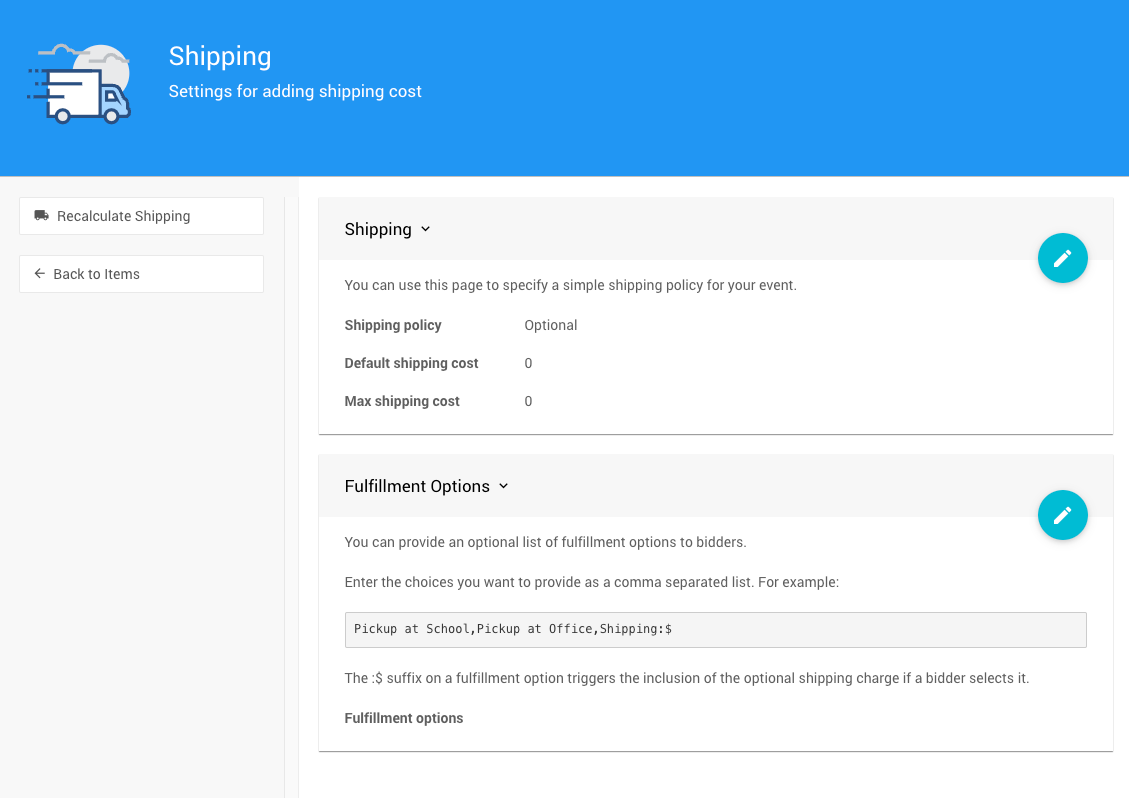
An example from a demonstration event.
The Shipping dashboard is where you configure your event's shipping policy, default costs, and fulfillment options.
Shipping Policy
The Shipping Policy controls whether shipping is optional or required for winners during checkout. Select from the drop-down — the default is Optional.

An example from a demonstration event.
| Option | Description |
|---|---|
| Optional | Bidders can choose whether to pay for shipping if a shipping fee is assigned to the item they won. |
| Mandatory | Bidders are required to pay for shipping if a shipping fee is assigned to the item they won. |
Default Shipping Cost
The Default Shipping Cost is the shipping amount applied to any item that does not have its own specific shipping cost set.

Max Shipping Cost
The Max Shipping Cost sets a cap on the total shipping amount a single bidder can be charged, regardless of how many items they won.

Fulfillment Options
You can provide bidders with a list of Fulfillment Options to choose from during checkout — for example, local pickup or standard shipping. Enter the options you want to offer as a comma-separated list.
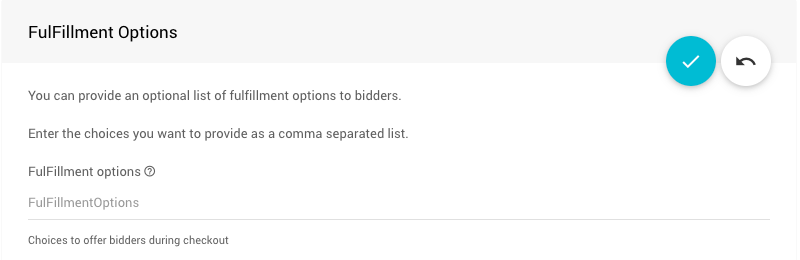
An example from a demonstration event.
Item-Level Shipping Rules
The shipping settings above apply as event-wide defaults, but individual items can override or exempt themselves from shipping charges:
| Rule | Behaviour |
|---|---|
| Item has a specific Shipping Cost set | Overrides the Default Shipping Cost for that item. |
| Item Shipping Cost is set to a negative value | No shipping will be charged for that item. |
| Donation type items | Never charged shipping. |
System items (cc.fees and SHIPPING) | Never charged shipping. |
Examples
📦 Fixed Shipping Cost
To charge every bidder the same shipping amount regardless of what they won, set both the Default Shipping Cost and Max Shipping Cost to the same value.
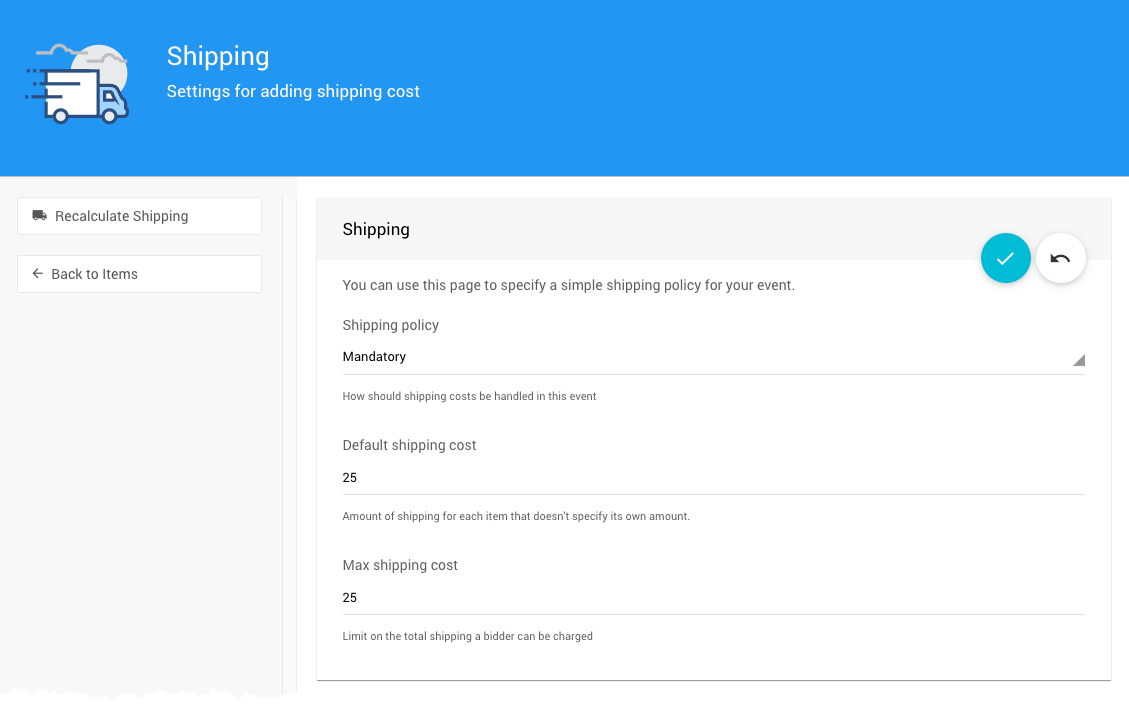
Example: Fixed mandatory shipping cost of $25.00.
For example, setting both to $25.00 with the Shipping Policy set to Mandatory ensures every bidder is charged exactly $25 for shipping — no more, no less.
🚚 Fulfillment Options Example
The following example offers bidders three options at checkout:
Pickup in East End,Pickup in West End,Shipping:$
The first two options are pick-up locations. The third option — Shipping:$ — adds the default shipping cost to the bidder's account when selected.