
Learn how to export your event's item activity from Auctria as an XLS file.
From your main Event Dashboard, click Export in the left sidebar under Explore to open the Export dashboard.
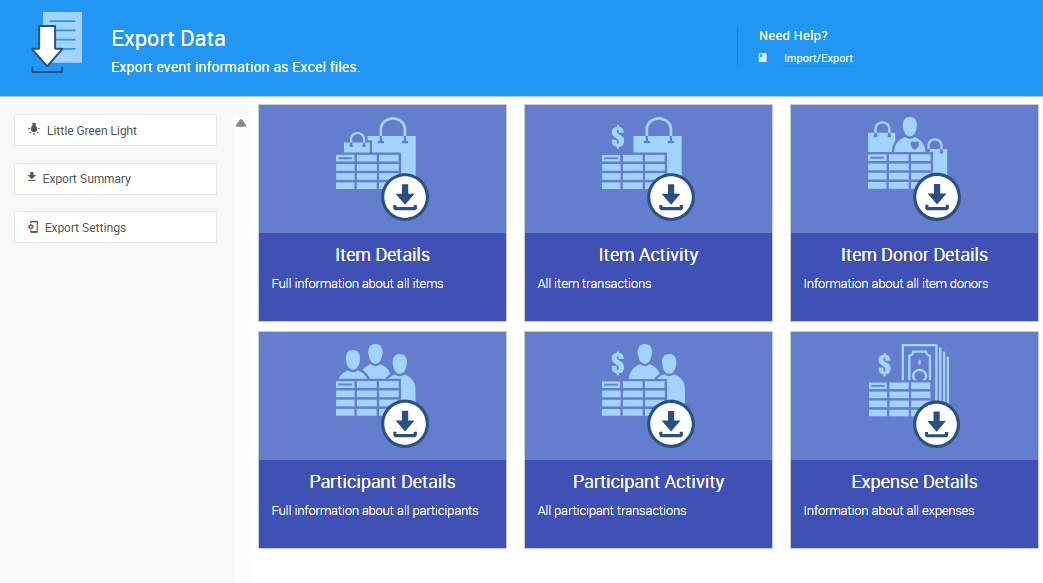
An example from a demonstration event.
Click the tile for the data you want to download — for example, Item Details or Item Activity. A progress indicator will appear while the data is collected, followed by a success banner across the top of the page once the export is complete.
Your browser will automatically download the file in XLS format to your default downloads folder.
See Import/Export for more details on importing and exporting data in Auctria.