
Learn how to use the Choose Items filters to select a specific group of items to work with across various Auctria functions.
The Choose Items feature appears throughout Auctria wherever you need to select a subset of items — for example, in Copy Items, Pricing Policy, and Bid Sheets. The default selection is All items.
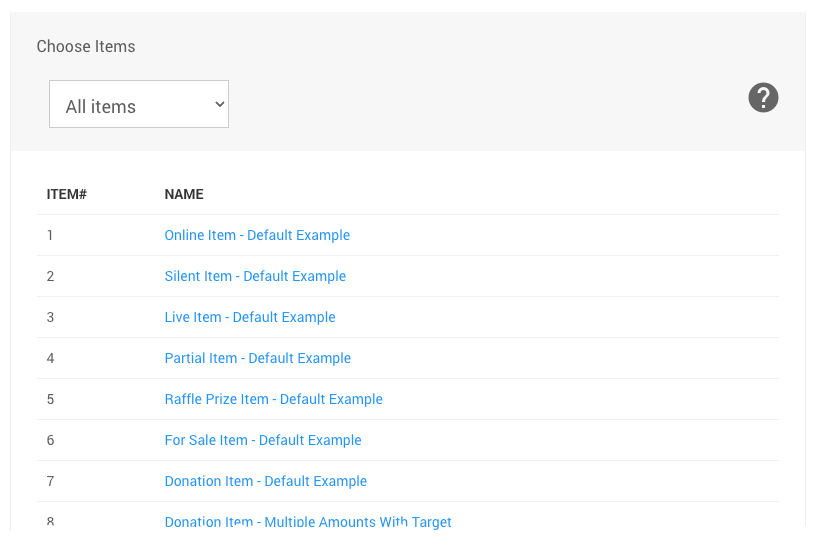
An example item list from a demonstration event.
Click the drop-down selector to see the full list of available filters.
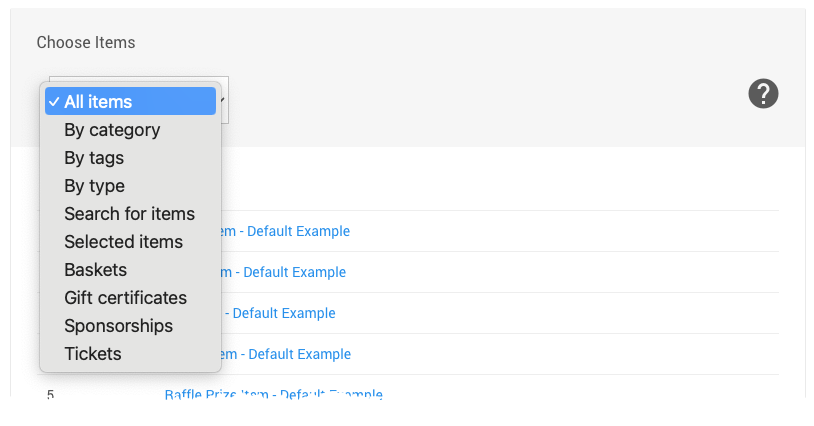
An example from a demonstration event.
Sorting Your Results
In some contexts, the Choose Items feature also includes a Sort by drop-down to organize the filtered results. See Choose Items Sort for more information.
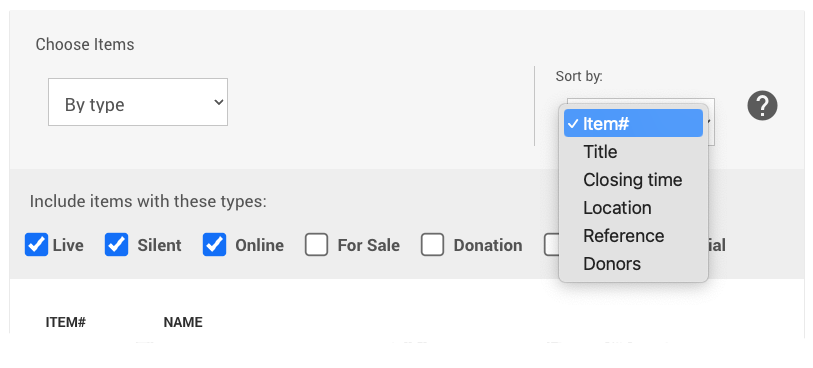
Available Filters
| Filter | Description |
|---|---|
| 🗂️ By Category | Filters the item list to show only items assigned to selected categories. Click + category to add a category — the item list updates dynamically. Add multiple categories as needed, or click reset to clear the selection. See Item Categories. |
| 🏷️ By Tags | Filters the item list based on item tags. Choose to show items with Matching tags or Not matching tags. See Where Tags Can Be Used In Auctria. |
| 📋 By Type | Filters the item list to show only items of a specific item type. See Item Types. |
| 🔍 Search for Items | Filters the item list based on a search term or phrase. Enter your search and press Tab to activate — the item list will update to show matching results. |
| ☑️ Selected Items | Lets you hand-pick specific items to work with. Enter an item number or title to auto-populate matches, then click an item to add it to the list. Repeat as needed. |
| 🧺 Baskets | Immediately populates the item list with all items marked as a Basket in their Item Details page. See Baskets and Packages. |
| 🎁 Gift Certificates | Immediately populates the item list with all items marked as a Gift Certificate in their Item Details page. See How To Create Gift Certificates. |
| 🤝 Sponsorships | Immediately populates the item list with all items marked as a Sponsorship in their Item Details page. See For Sale Options. |
| 🎟️ Tickets | Immediately populates the item list with all items identified as admission Ticket items, including sponsorships with admission tickets. See Tickets. |