
Preview E-Tickets in Auctria to see what guests will receive when they purchase event tickets.
Auctria generates an E-Ticket for each ticket sold. Guests receive an E-Ticket when their email address is associated with a ticket.
This E-Ticket is available as a preview by clicking E-Ticket Preview on the E-Tickets dashboard.
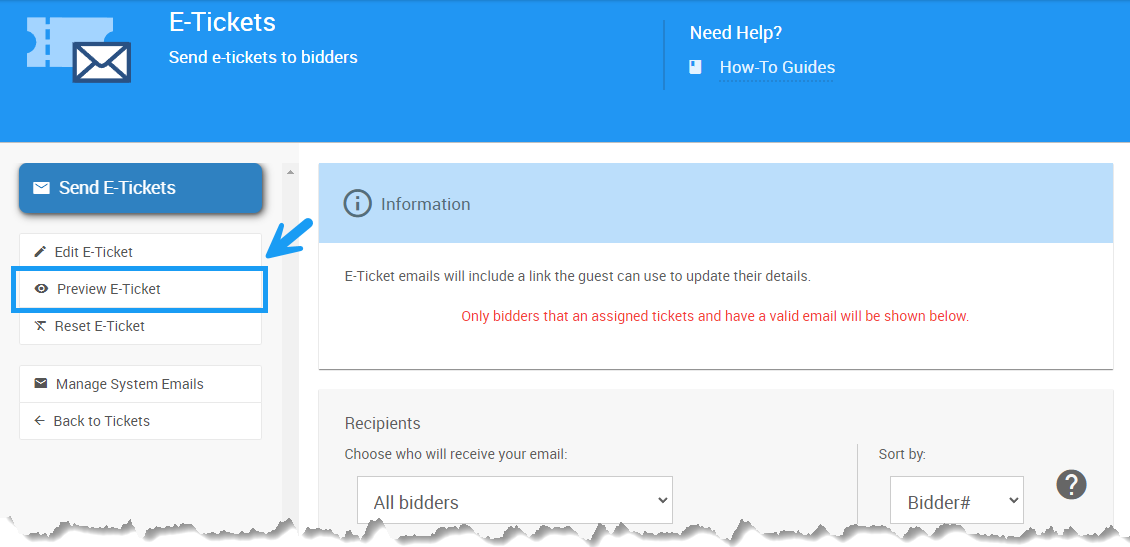
An example E-Tickets dashboard from a demonstration event.
This opens a preview of your current saved E-Ticket, populated with sample data.
Email Preview
The Email Preview is populated with sample data and displays the current saved E-Ticket.
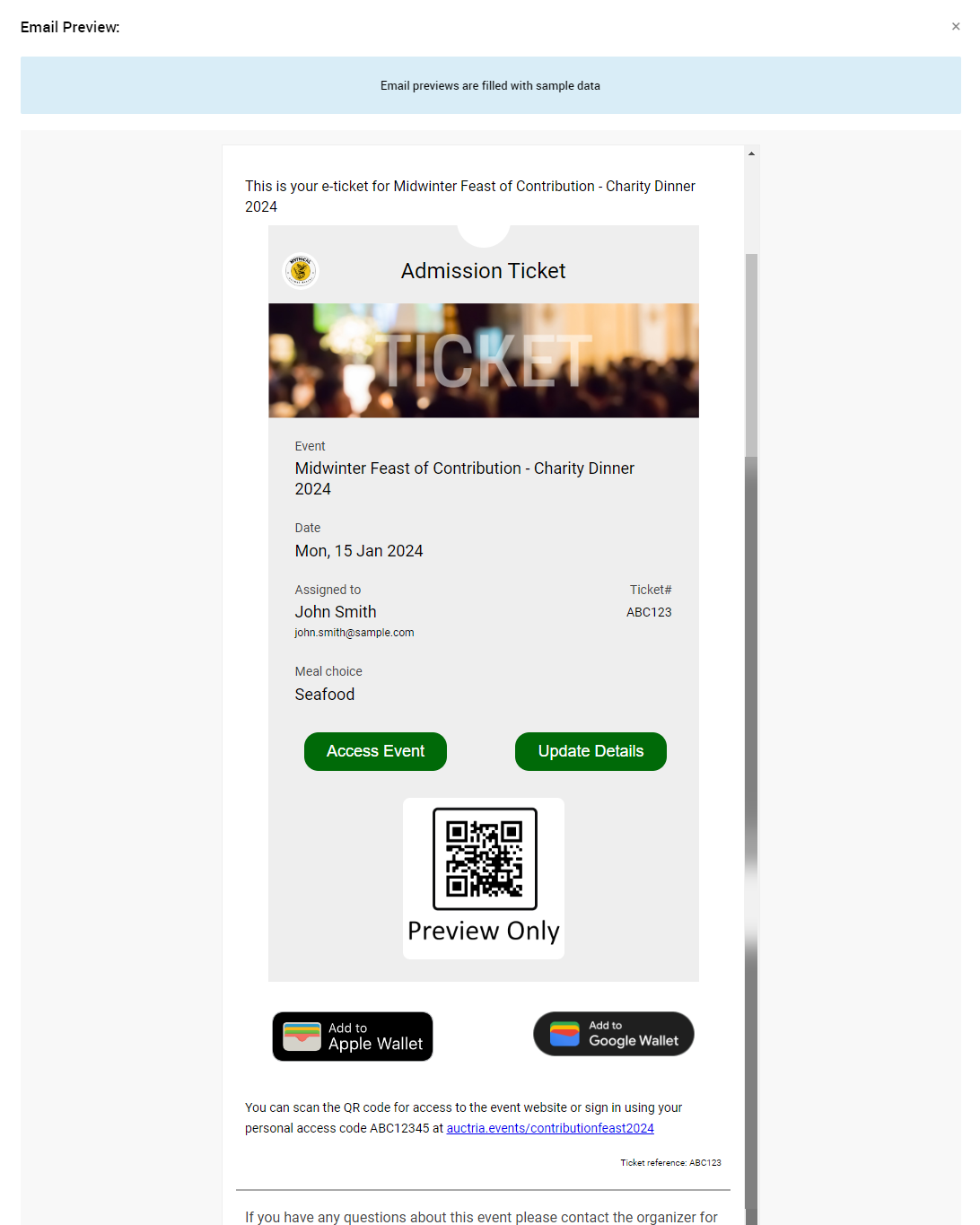
An example Email Preview from a demonstration event.
An E-Ticket includes buttons that let participants access the event, update their details, and add the ticket to their Apple or Google wallet.
Access Event
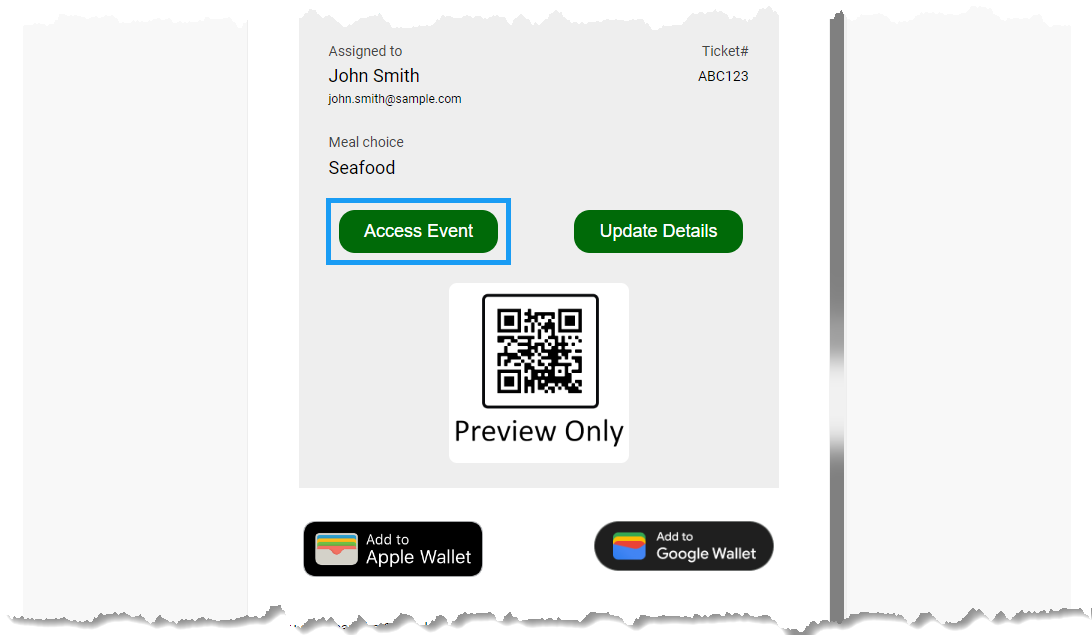
An example from a demonstration event.
Clicking Access Event on the E-Ticket takes the guest to a special page on the event website, where they can update their contact information or register a credit card (if credit card processing is enabled in Credit Card Settings).
The guest can also reach the event website by following the link to the site and using the Access Code to log in. This works even if they aren't already signed in, as long as the E-Ticket they clicked through was sent to their email address.
Update Details
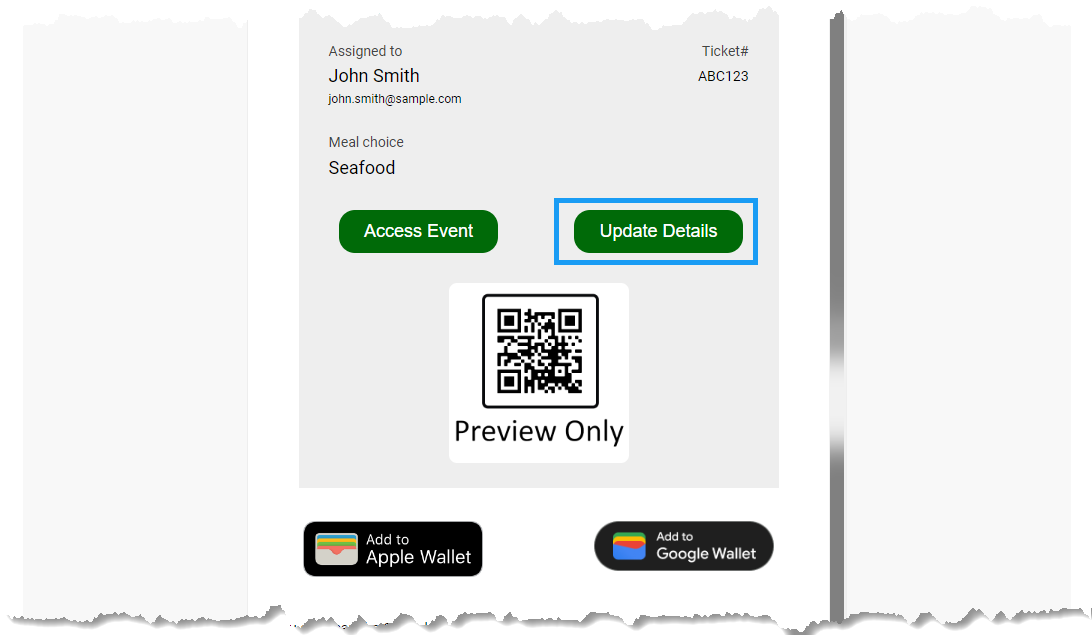
An example from a demonstration event.
Clicking Update Details takes participants to the event website for the ticketed event, where they can update their ticket details .
QR Code Preview
By default, the E-Ticket includes a QR code. Organizers can scan this code as part of the in-person event check-in process to check the guest into the event.
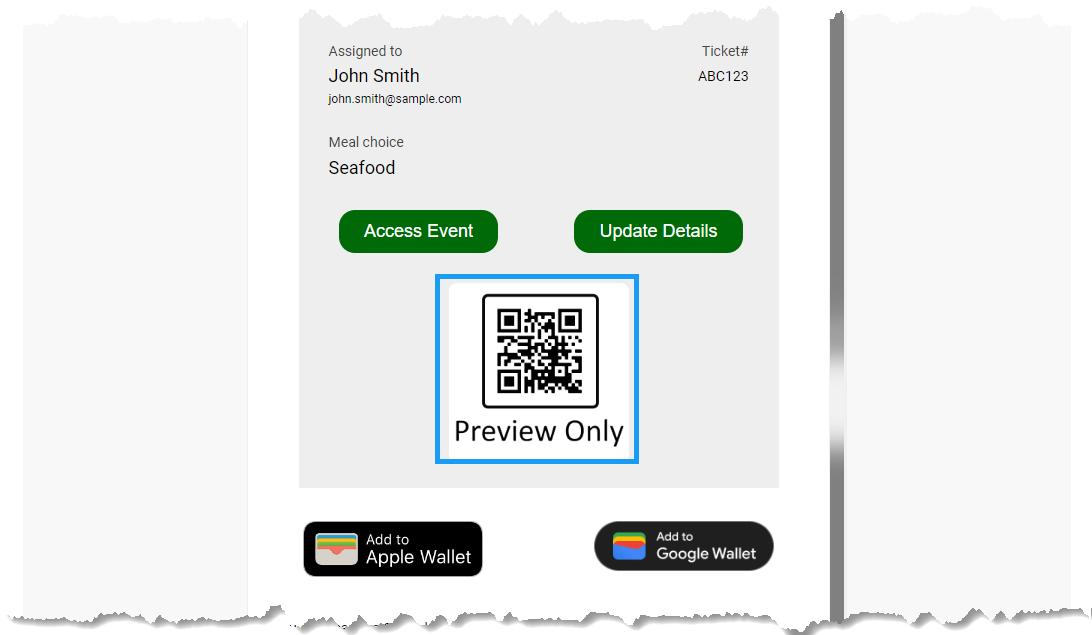
An example from a demonstration event.
Note
The actual E-Ticket sent to the guest doesn't include the explanatory text shown in the preview.
Add to Apple Wallet
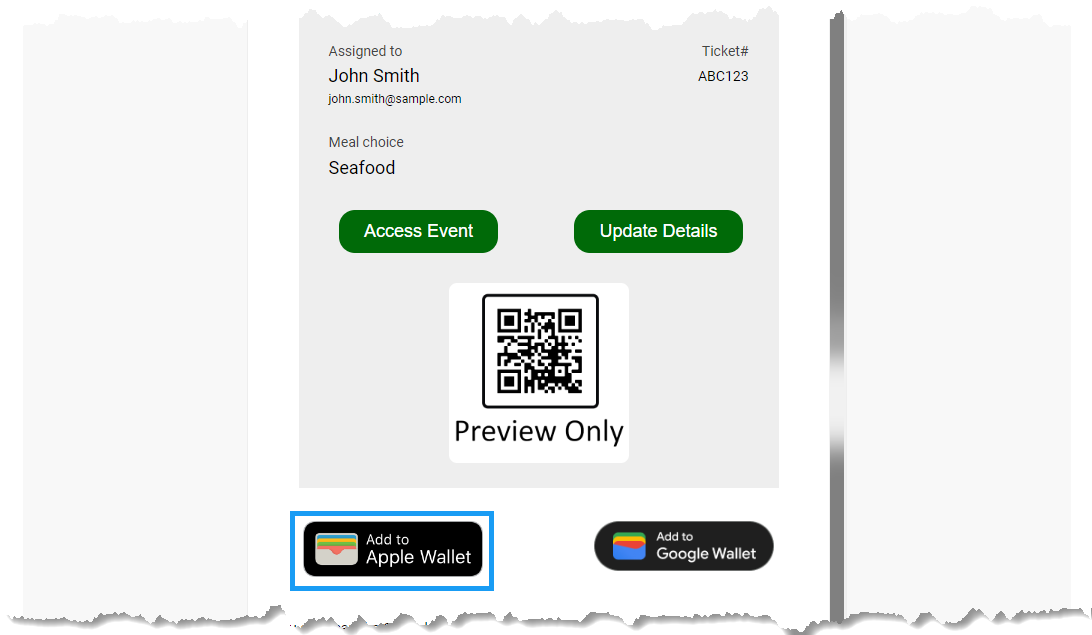
An example from a demonstration event.
The Add to Apple Wallet button lets the participant add their E-Ticket to their Apple Wallet.
Add to Google Wallet
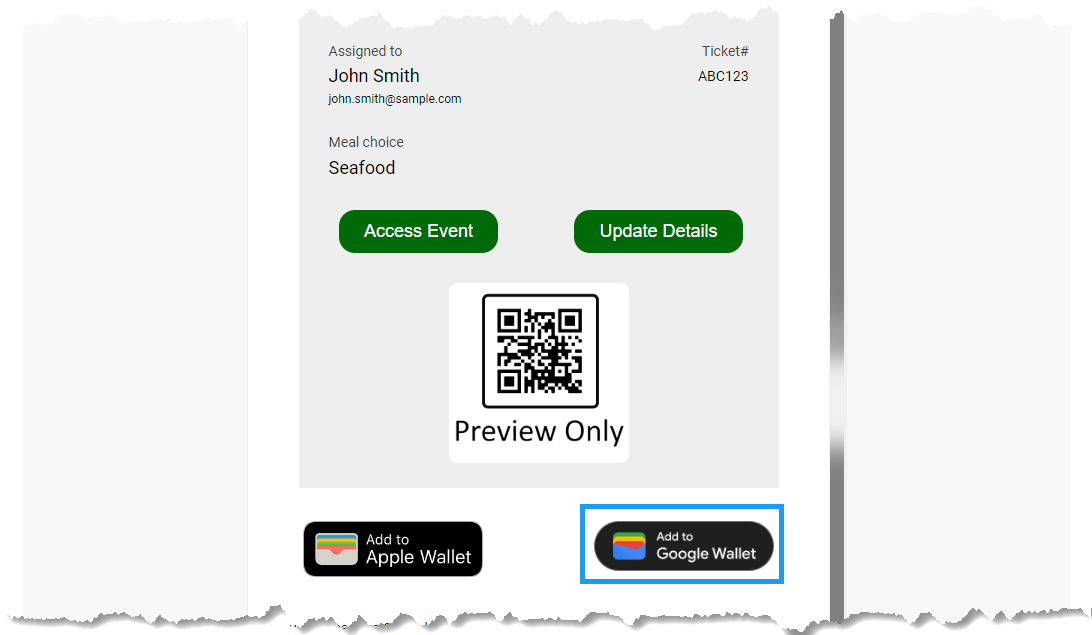
An example from a demonstration event.
The Add to Google Wallet button lets the participant add their E-Ticket to their Google Wallet.