
Learn how to duplicate items in Auctria.
If you have several of the same or similar items, the Duplicate Item function lets you quickly create copies without re-entering all the details from scratch.
Copying Items From Another Event
If you want to copy items from a different event under your organization, see How To Copy Items instead.
Duplicating an Item
Open the Item Details page for the item you want to duplicate. Click Duplicate Item either in the sidebar or in the page header.
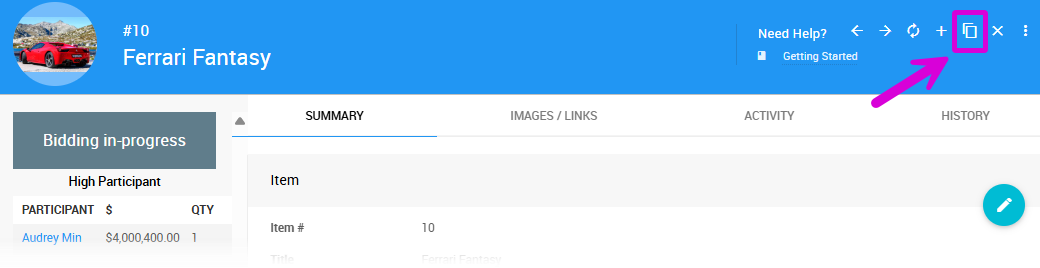
The Duplicate Item button in the Item Details page header.
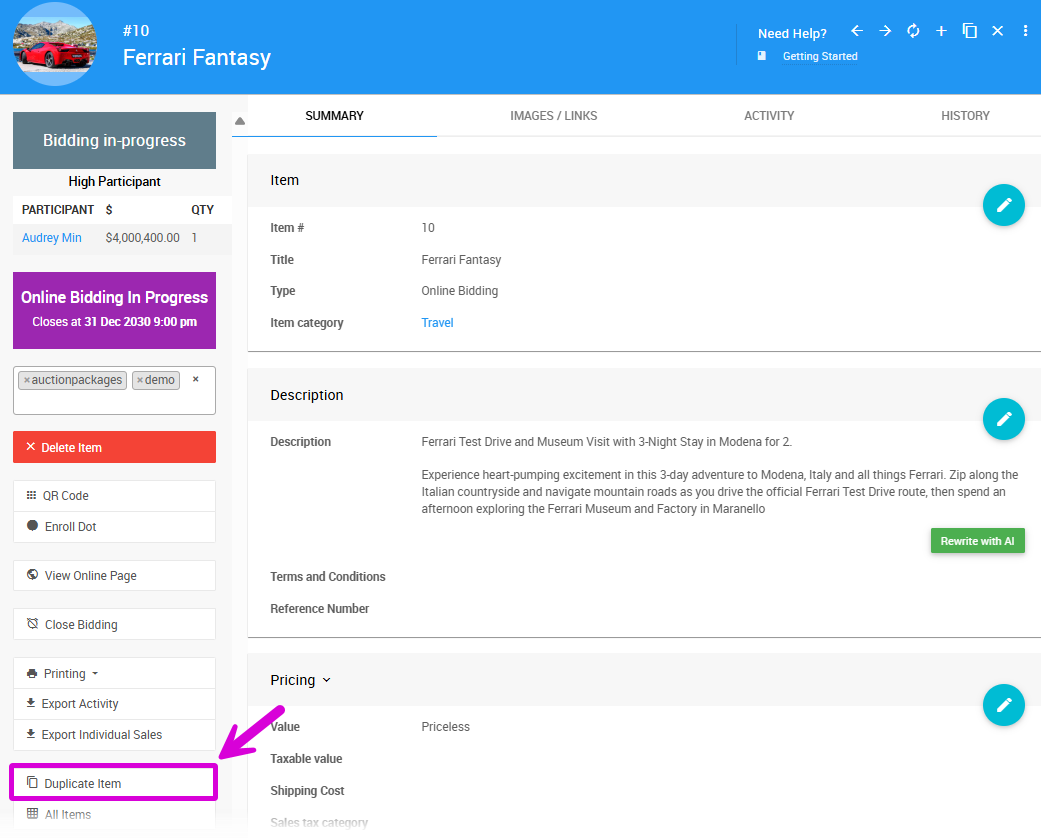
The Duplicate Item button in the Item Details sidebar.
A new Add Item page will open pre-populated with the original item's details. Note that Participant Activity is not copied. Make any changes needed, then click Add Item to create the new item.