
Participants on the Participant Maintenance -- Multiple Tickets page have multiple tickets assigned to them.
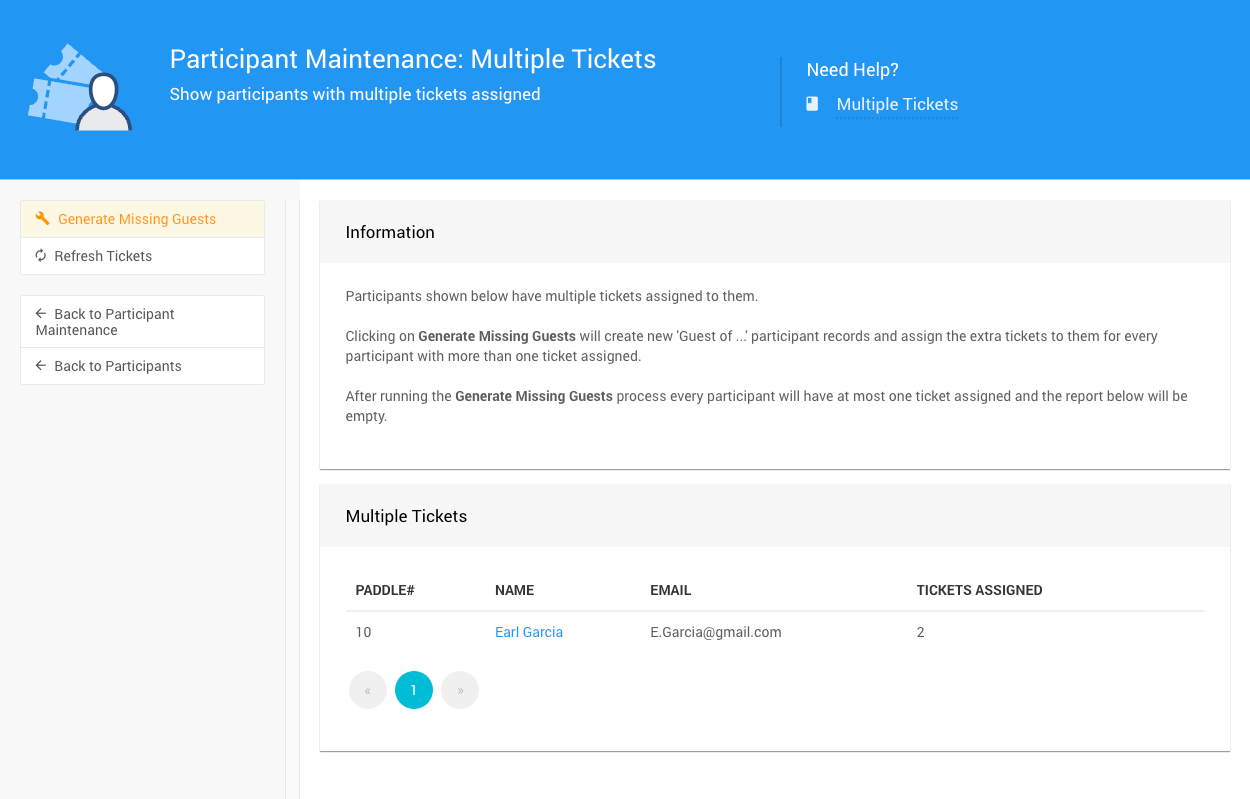
An example from a demonstration event.
Clicking on "Generate Missing Guests" under the Actions menu will create new 'Guest of ...' participant records and assign the extra tickets to them for every participant with more than one ticket assigned.
After running the Generate Missing Guests process, every participant will have at most one ticket assigned and the report of "Multiple Tickets" will be empty.