
It is possible to have multiple participants share a paddle number if they are bidding together.
Multiple participants can share a Paddle# if they are bidding together — for example, a couple who don't want to bid against each other. Participants who share a Paddle# are called linked participants.
Linking Participants
There are a few ways to link participants:
- Manually set a participant's Paddle# to match another participant's number.
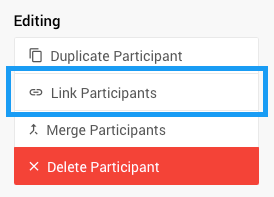
- Use the Link Participants button on the Participant Details page.
- Use the Link Participants button on the Check-In page.
Linking vs. Merging
Linking participants keeps both records intact — no data is deleted. Merging is different: it moves all activity from one participant to another and deletes the second record.
See Linking Versus Merging? for more details.
How Linking Affects Key Features
Recording Bids
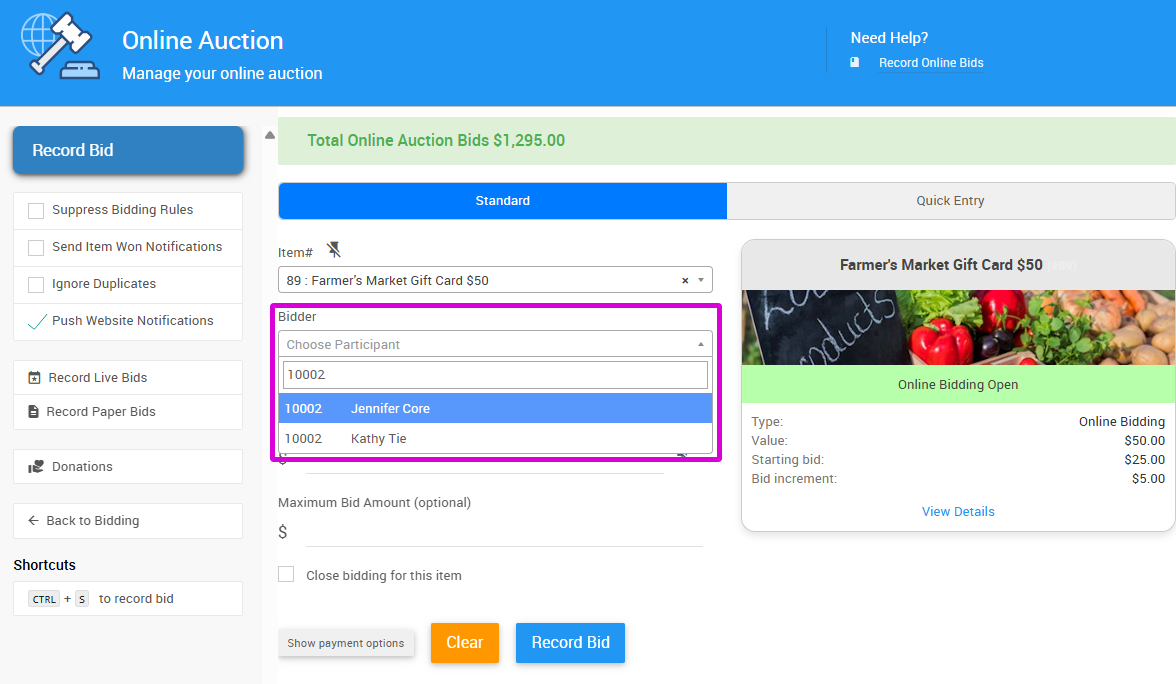
Linked participants are still listed separately in the drop-down, so bids can be recorded against either participant individually.
Checkout
When you select any linked participant at checkout, all participants sharing the same Paddle# are automatically included in the checkout.
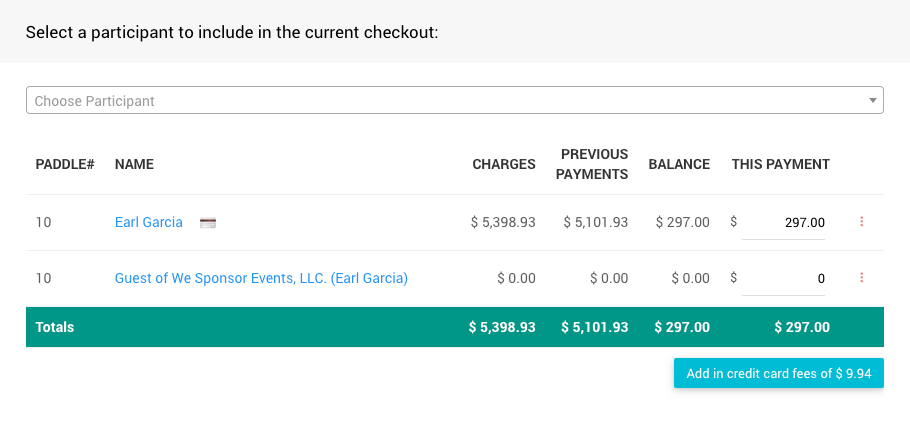
An example from a demonstration event.
Batch Checkout
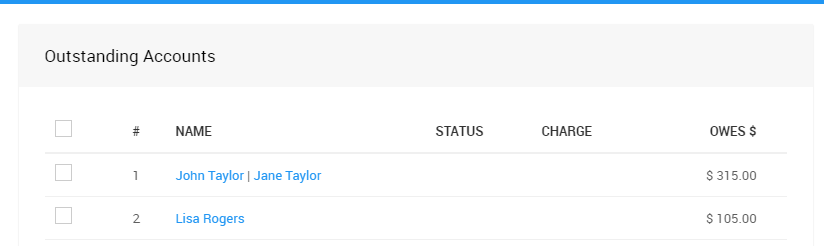
During batch checkout, a single payment is processed for all participants sharing a Paddle#. If multiple credit cards are registered, only one will be charged.
Participant Statements
Participant Statements always show the combined activity for all linked participants. Email statements are sent to each participant individually.
Online Bidding
When bidding online, a participant will see if a high bid is held by themselves or someone they are linked to. Outbid notifications, however, are only sent to the participant who placed the bid.
Auction Website
If multiple participants share an email address, they can sign in to the auction website for online bidding as long as they also share a Paddle#. Participants who share an email address but have different Paddle numbers will see an error when attempting to sign in.
On the My Account page, a participant will see all activity associated with their Paddle#.
Renumbering Linked Participants
When using the Participant Numbering function, linked participants (those sharing a Paddle#) stay grouped together. If sorting by first name, the group's position in the renumbering order is determined by the linked participant with the alphabetically earliest first name.
Importing Linked Participants
You can assign shared Paddle numbers in your import file to link participants on import. Note that importing the same file multiple times to update existing records is not recommended — the system will attempt to match records by Paddle#, then email, then name.