
In Auctria, a Participant is anyone who contributes to your event — whether by bidding, purchasing items, or donating. The term is used inclusively to cover all types of attendees and supporters.
See Participants for details on adding and managing participants.
Auctria allows you to add new participants directly from the dashboard.
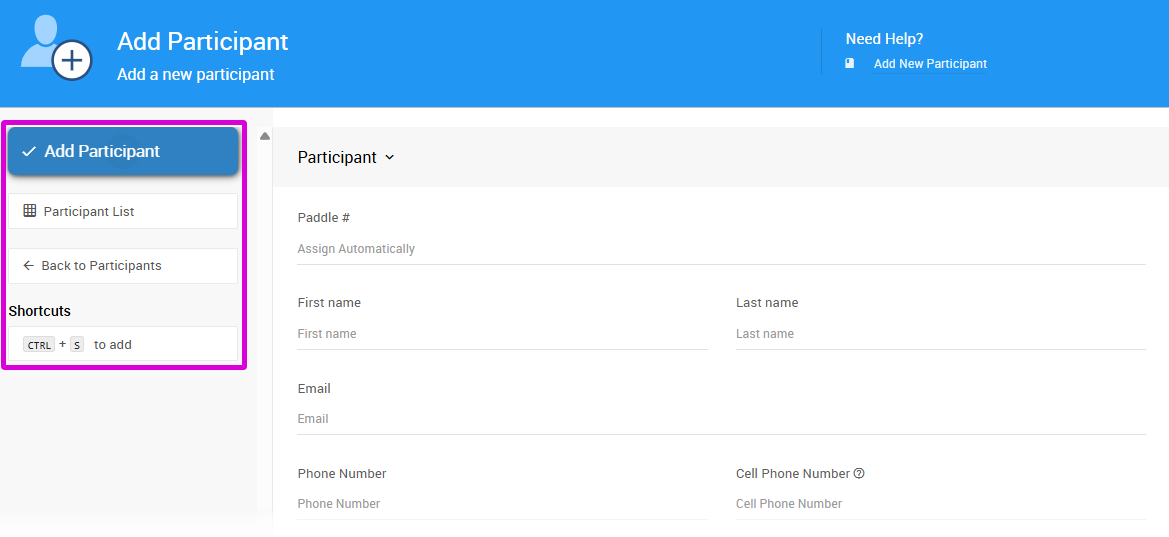
To add a new participant, click Participants on the left sidebar, then click Add New Participant in the sidebar. This opens the Add Participant page.
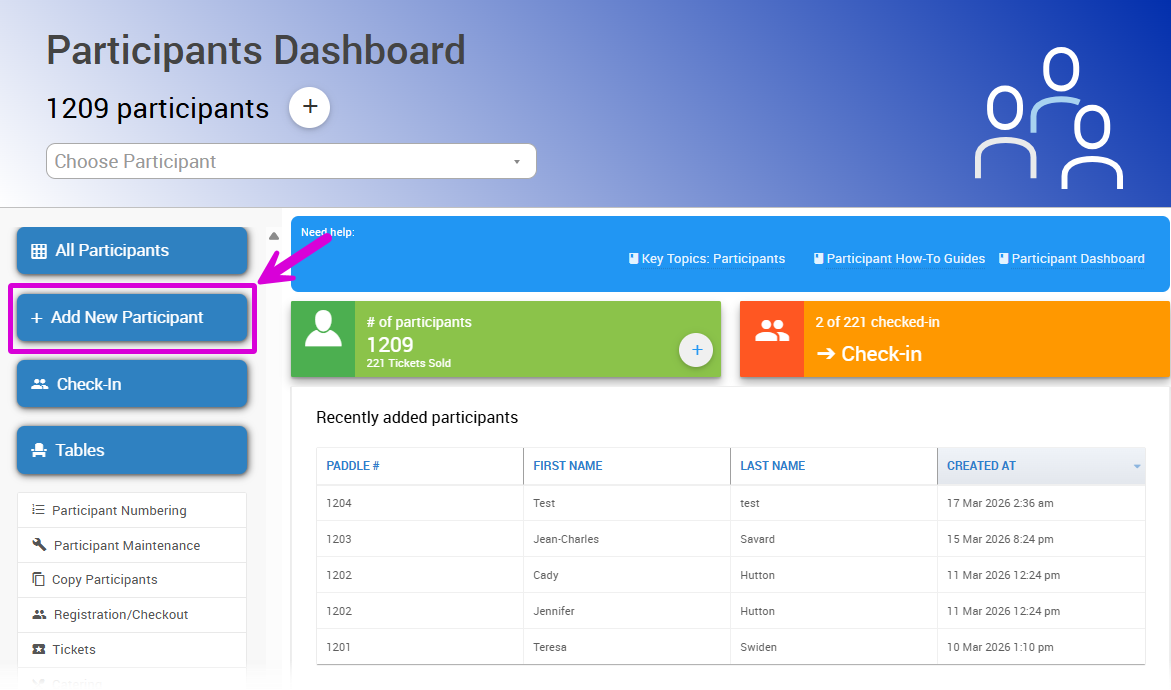
An example from a demonstration event.
Add Participant
The Add Participant page is used by organizers to register participants directly.
Participant Notifications When Adding
Add Participant will always create a new participant record and will not trigger any System Notifications.
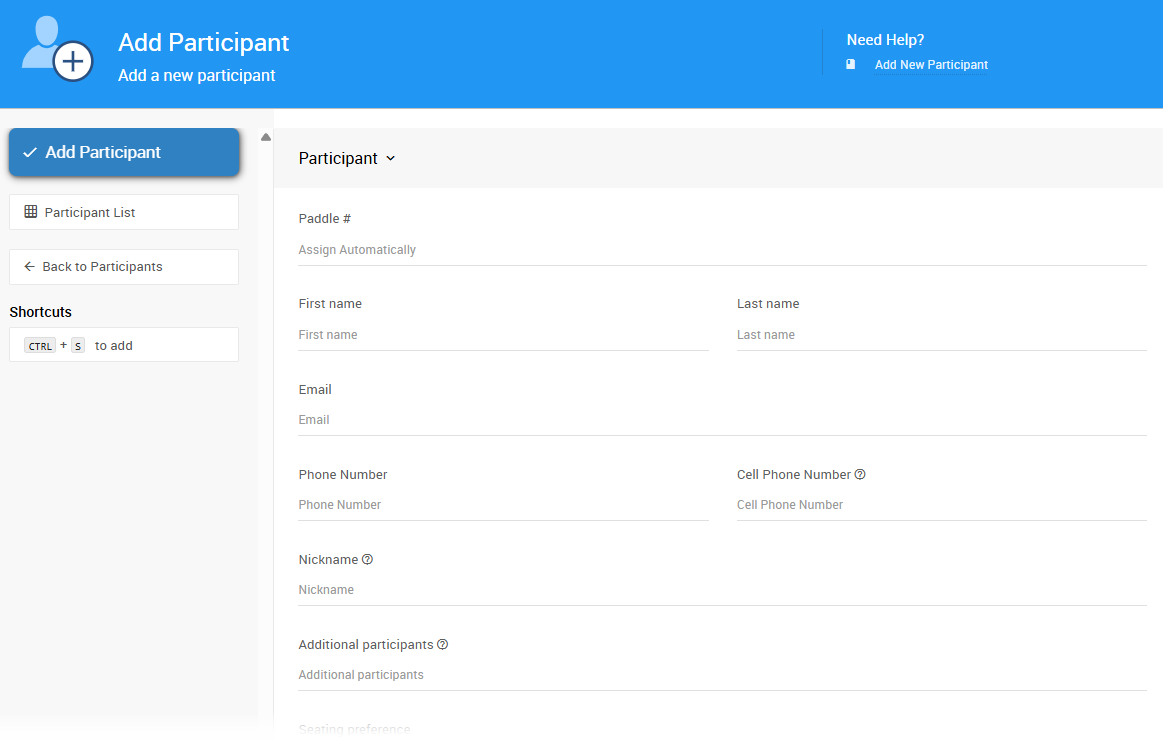
The only required field is Last name, but providing as much information as possible — especially an email address — is strongly recommended. Email addresses should be unique to each participant where possible.
We also recommend providing a Paddle#, or letting the system assign one automatically. A paddle number is required for the linking and merging features to work.
Participant Panel
Each participant is assigned a participant number, displayed in the application as Paddle #.
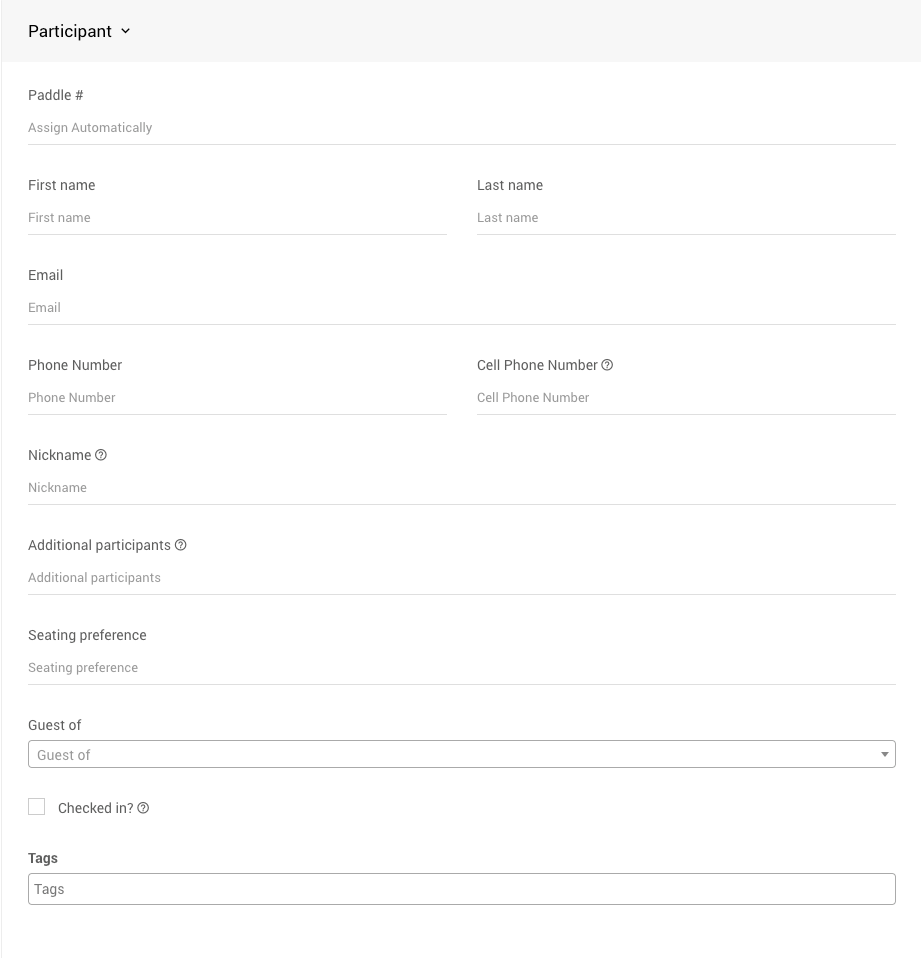
The new participant form.
Participant numbers don't have to be numbers — you can use letters or any combination that works for your event.
| Field | Details |
|---|---|
| Paddle # | Optional. Required for linking and merging participants. Commonly used for in-person Paddle Raise events. |
| First name | The participant's first name. Can be left blank. |
| Last name | Required. The participant's last name, or company name if registering an organization. |
| Strongly recommended. Used for communications and as part of the participant's login credentials. | |
| Phone Number | Typically used for landline numbers; not used for SMS. |
| Cell Phone Number | Used for text bids and outbid notifications. |
| Checked in? | Marks the participant as arrived. Informational only — does not trigger any actions in Auctria. |
| Additional participants | Names of other people bidding under this paddle number. Informational only. See Sharing Participant Numbers. |
| Seating preference | Informational only. |
| Guest of... | Select the ticket purchaser this participant is attending with. Only change this if moving a participant between ticket purchasers. |
| Tags | Used for organization and reporting. Existing tags auto-populate; new tags can be added as needed. |
Address Panel
If you need to mail items or collect physical addresses, enter participant address details here.
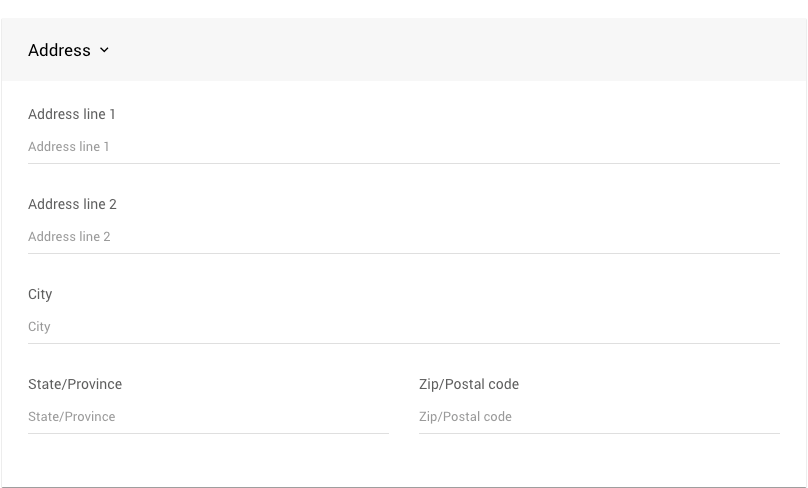
All address fields are free-text and must be entered manually.
Other Panel
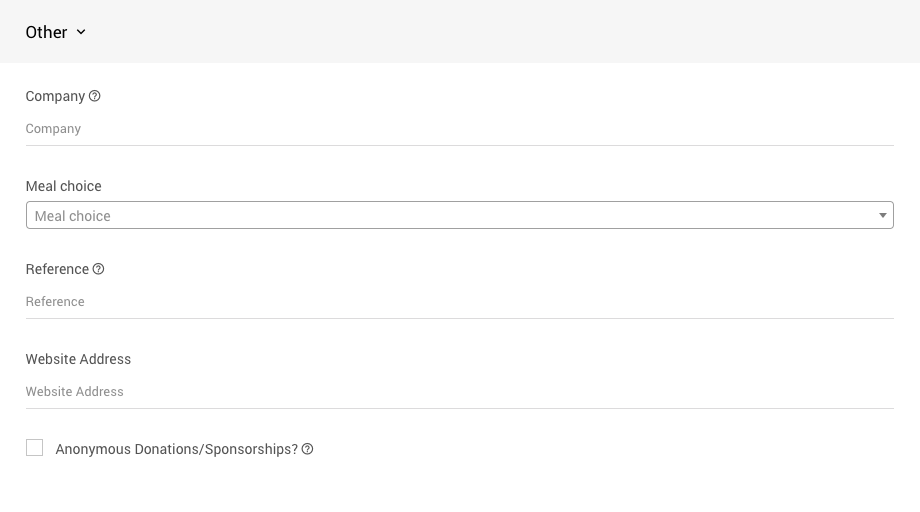
| Field | Details |
|---|---|
| Company | The participant's company or organization name. |
| Meal choice | Select the participant's meal from the drop-down. See Meal Choices and Dietary Restrictions for more information. |
| Reference | A cross-reference ID from another system. |
Notes Panel
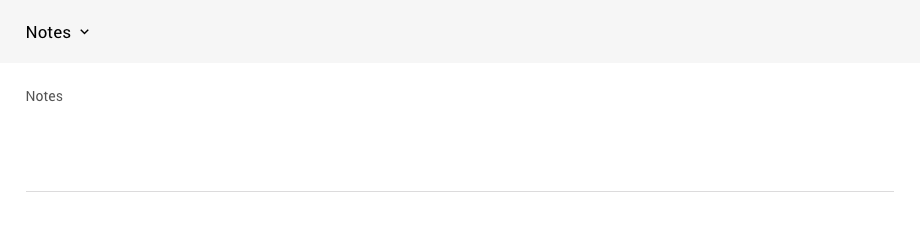
A free-text field for internal notes. Not displayed publicly.
Tip
The Company, Reference, and Notes fields are informational only — Auctria does not act on them.
Credit Card Panel
If Credit Cards are enabled, you can register the participant's credit card here.
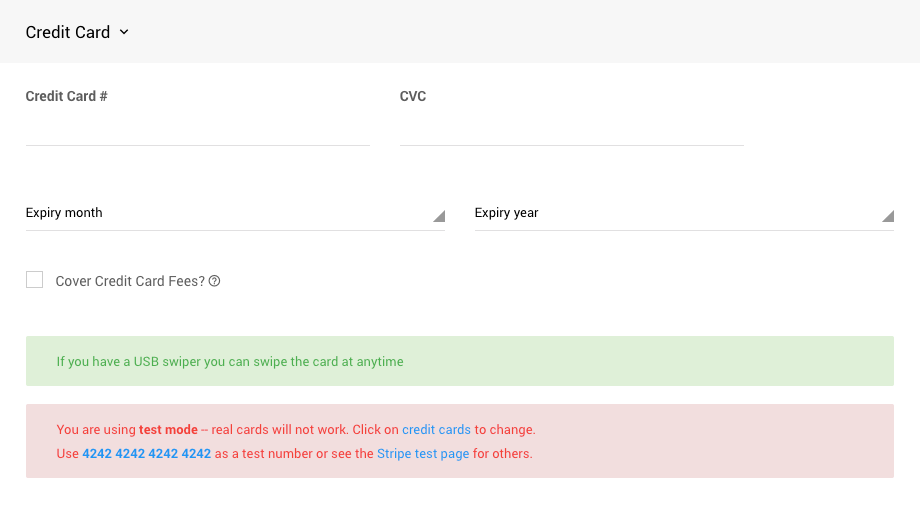
An example from a demonstration event in Stripe TEST mode.
If a USB card swiper is connected, a successful swipe will populate the card number and expiration date automatically. See Credit Card Readers And Swipers for more information.
Using Card Readers
Card readers only capture the card number and expiration date. The Card Verification Code (CVC) is not stored on the magnetic strip and will not be captured when swiping.
You can also enter card details manually if you don't have a card reader.
- Cover Credit Card Fees? — Check this box if the participant opts in to cover credit card processing fees on all payments. See Let Participants Cover Credit Card Fees for more information.
Saving and Next Steps
When you're done, click Add Participant. The page will refresh so you can quickly add another participant. Any saved participants will appear in the Recently Registered Participants panel at the top of the page.
The sidebar also provides links to the Participant List report and Back to Participants to return to the dashboard.
More Ways To Add Participants
- Copy Participants from a previous event
- Duplicate an existing participant
- Sell Tickets via the auction website or dashboard
- Allow participant self-registration via the auction website — see Registration/Checkout
- Import participants from an Excel spreadsheet