
Learn how to associate a mobile phone number with an event participant.
Text messaging works by matching each text to a participant's Cell Phone Number. This page explains how phone numbers are stored on a participant record and the different ways to add a cell phone number.
How Phone Numbers Are Stored
A participant record has two phone fields: Phone Number and Cell Phone Number.
- If a participant has both, texts are sent to and accepted from their Cell Phone Number.
- If a participant only has a Phone Number, it is also used as their Cell Phone Number for text notifications and bid requests.
You can see a participant's current phone numbers on their details page under Contact Information.
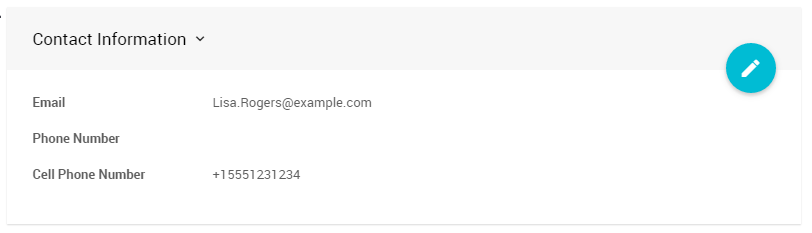
The Contact Information section of a participant's details page.
Encourage Guests to Use a Cell Phone Number
The Participant Registration form only accepts a single phone number, which is treated as the Cell Phone Number for texting. Suggest that your guests enter their cell phone number if they have one.
Ways to Add a Cell Phone Number
Choose the method that best fits how your guests arrive at your event.
| Method | Best for | What the participant does |
|---|---|---|
| Manually add the number | Staff checking guests in | Tells you their cell phone number. |
| Claim a Paddle# | Traditional check-in where Paddle#s are handed out | Texts claim and their Paddle# to the event phone number. |
| Register by text | Guests without a Paddle# yet | Texts register and their name to the event phone number. |
| Automatic registration | The easiest option for guests | Texts a bid to the event phone number. |
Manually Add the Cell Phone Number
When you add a participant on the check-in page, you can enter their Cell Phone Number in the contact details.
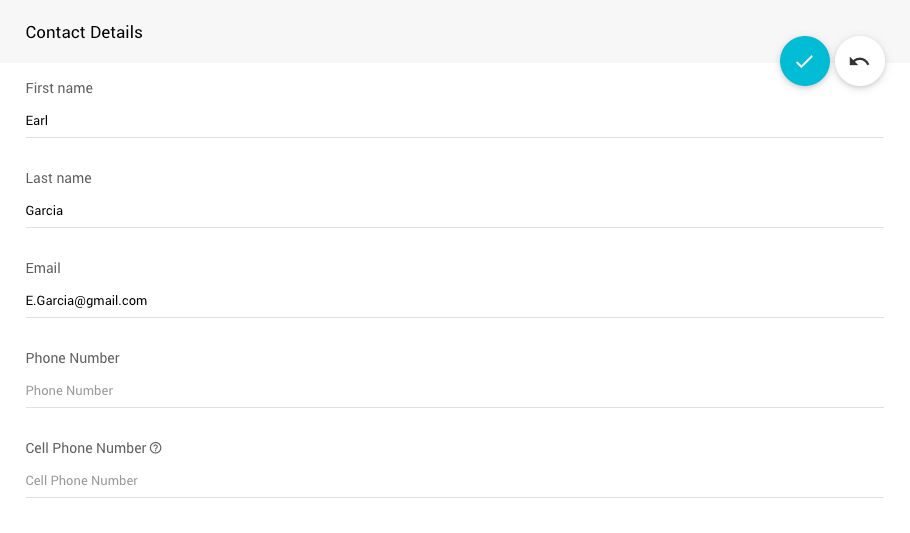
The Cell Phone Number field when adding a participant.
If a participant has a cell phone number, it is also shown on the check-in page.
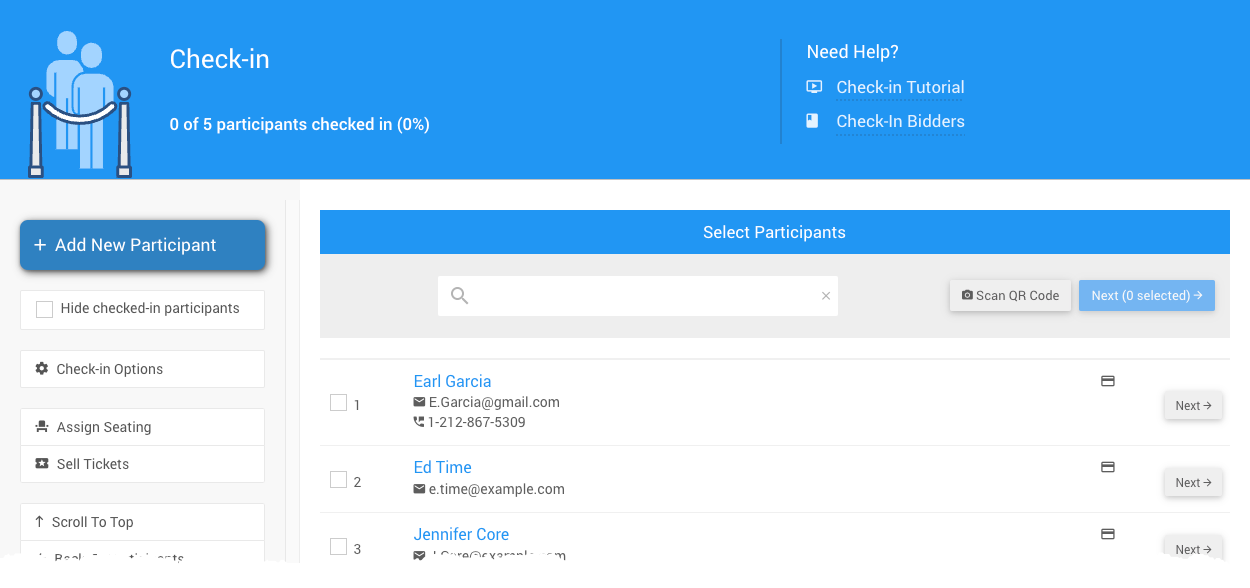
A participant's cell phone number on the check-in page from a demonstration event.
Enable Participants To 'Claim' Their Paddle#
If you assign Paddle#s during a traditional check-in, you can save time and avoid data entry errors by letting participants add their own cell phone number. Participants Claim their Paddle# by texting the claim command to the event phone number.
To turn this on:
- Go to Communication → Texting → Text Options. See Text Options for details on all of the options.
- Enable the setting that lets participants associate their Paddle# by texting.
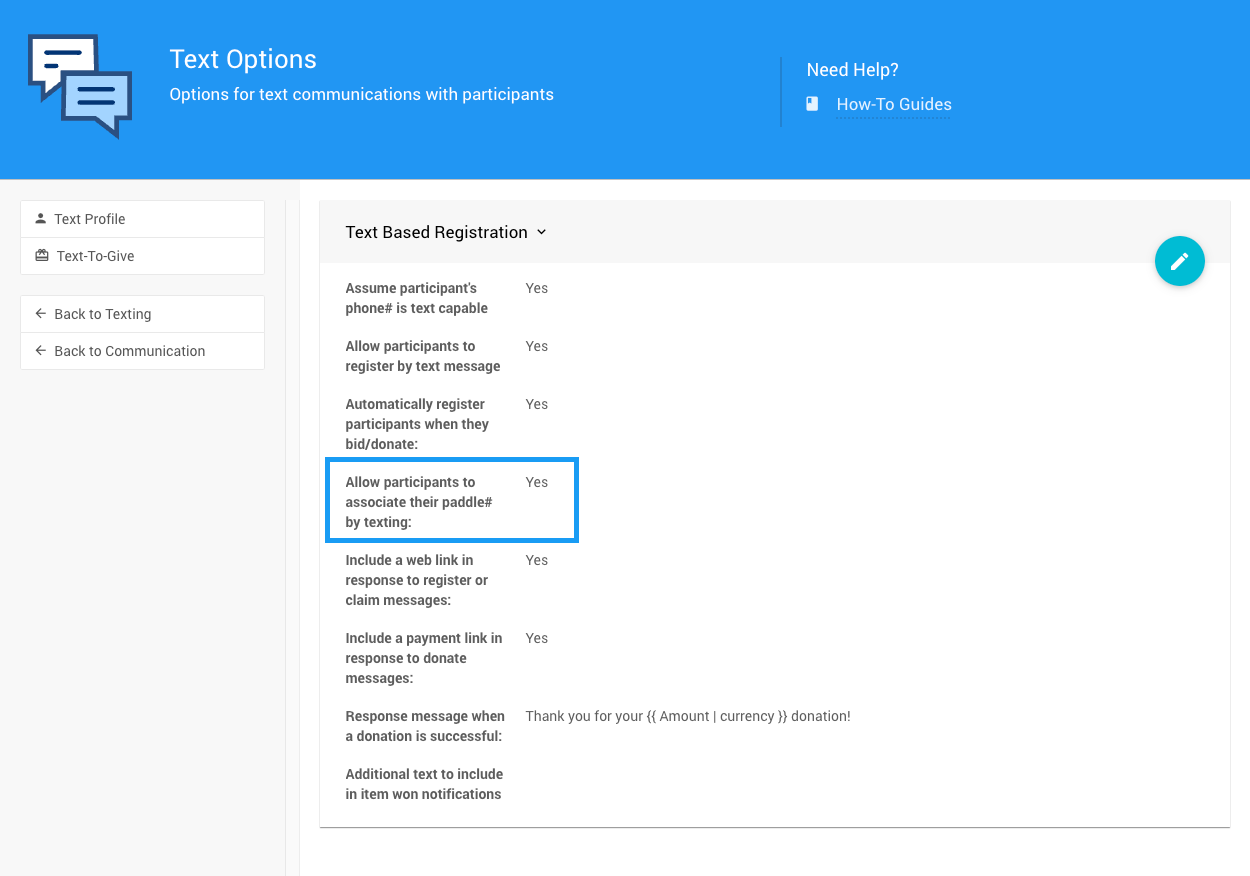
The Text Options page with the Paddle# claim setting.
Once the setting is enabled, give your participants these instructions: text claim followed by their Paddle# to the event phone number. For example, claim 20.
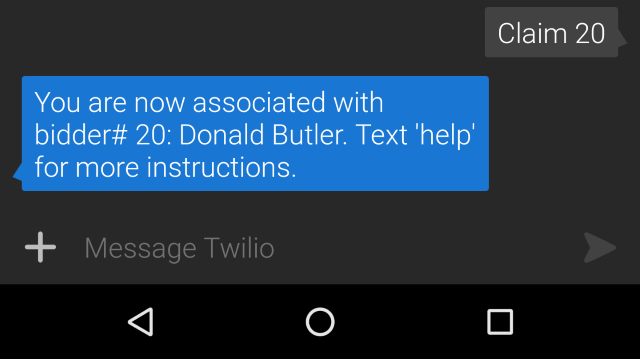
An example claim text message and the reply.
The participant receives a message confirming that they are now associated with the Paddle#.
Paddle# Already in Use
If the Paddle# already has a cell phone number associated with it, the participant receives an error message instead.
Enable Registration by Text
You can also let participants register by text.
To turn this on:
- Go to Communication → Texting → Text Options.
- Enable the Allow participants to register by text message setting.
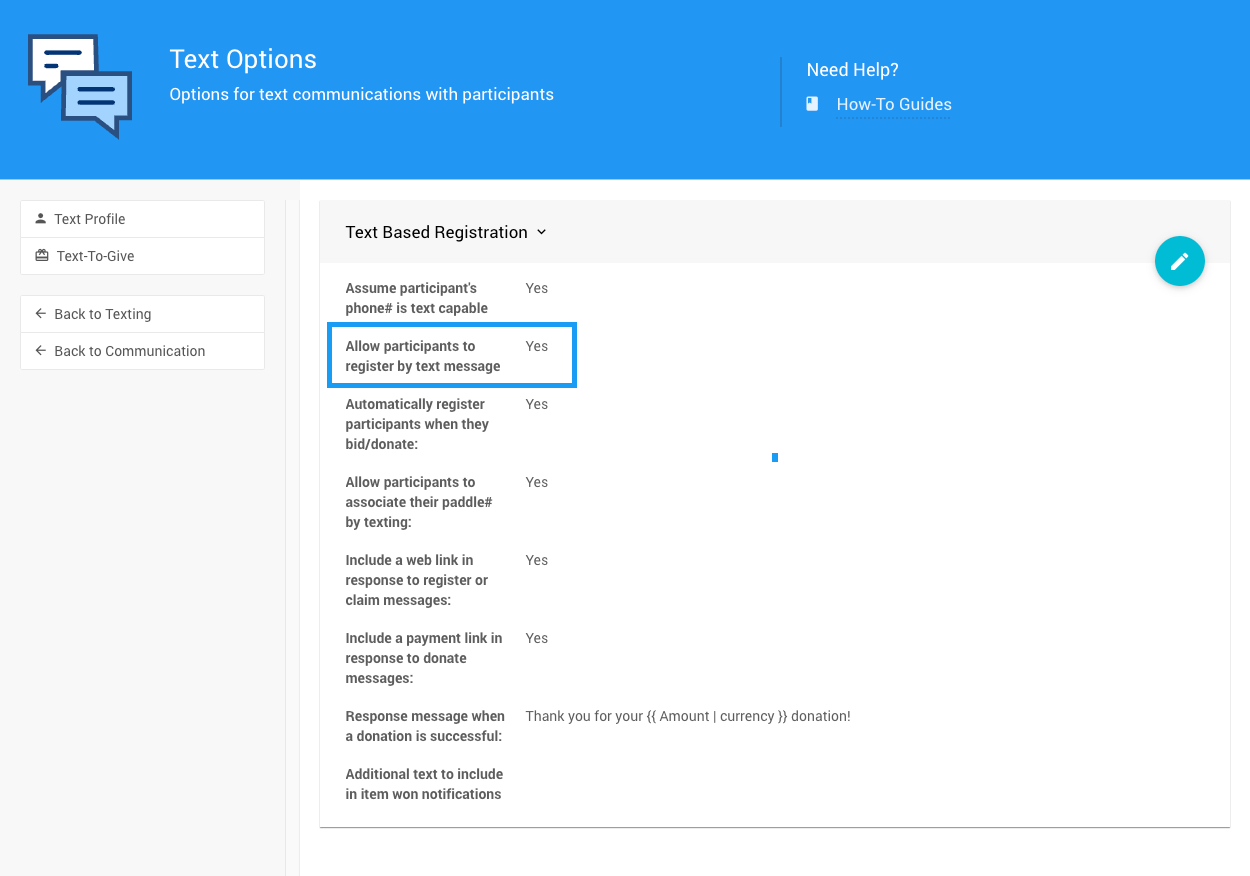
The Allow participants to register by text message setting on the Text Options page.
Once the setting is enabled, participants can register by texting register followed by their first and last name to the event phone number. For example, register John Smith.
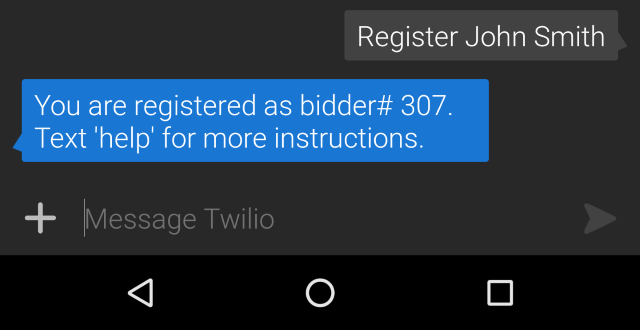
An example register text message and the reply.
The system automatically assigns a new Paddle# to them.
Enable Automatic Registration by Text
This is the easiest option for your guests. They only need to text a bid, and the system creates a new participant for them.
To turn this on:
- Go to Communication → Texting → Text Options.
- Enable the Automatically register participants when they bid/donate setting.
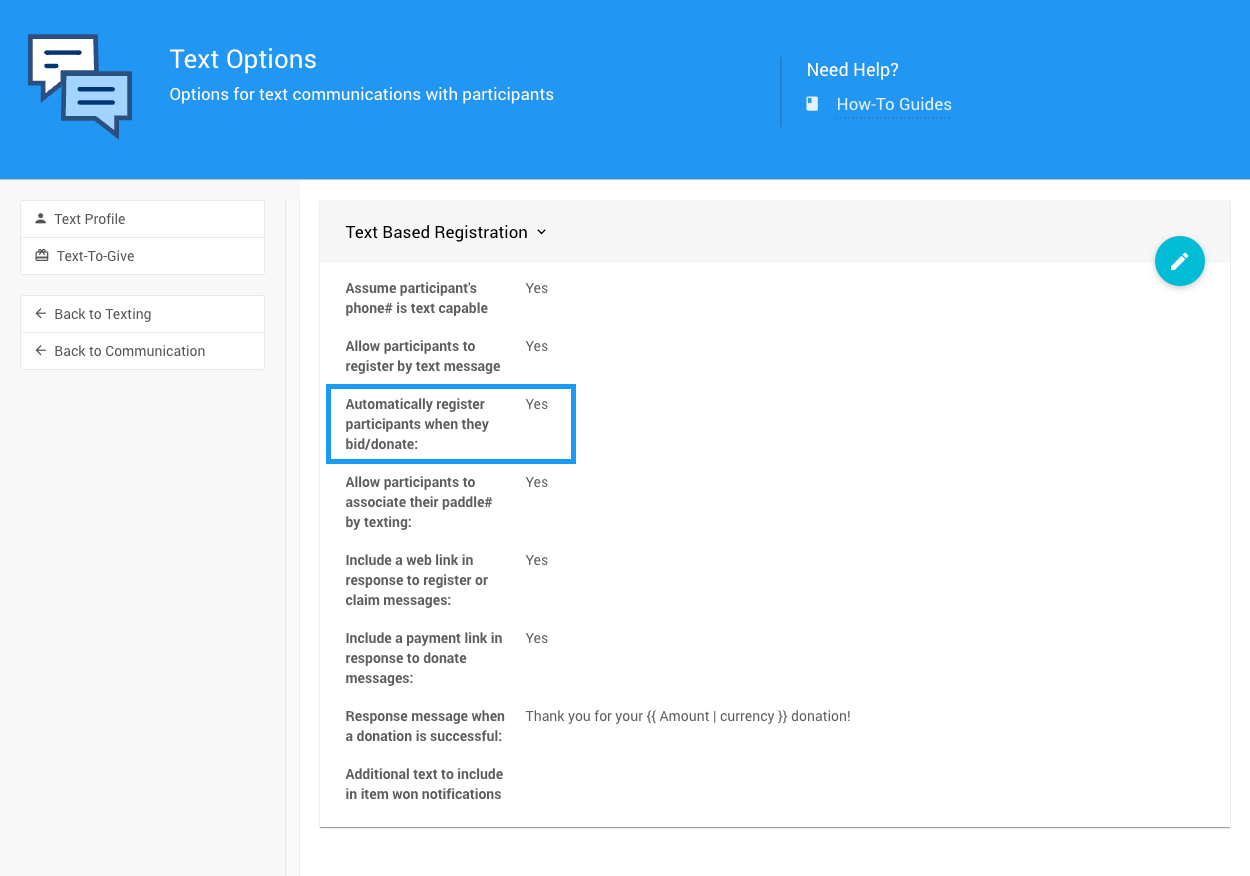
The Automatically register participants when they bid/donate setting on the Text Options page.
Participants can then take part without any prior steps. They just text bid <amount> for <item#> to the event phone number.