
Learn how to upload or link to a file using the Choose File window.
The Choose File window works similarly to the Choose Image window. It lets you upload a file from your device or pull one in from a connected cloud service.
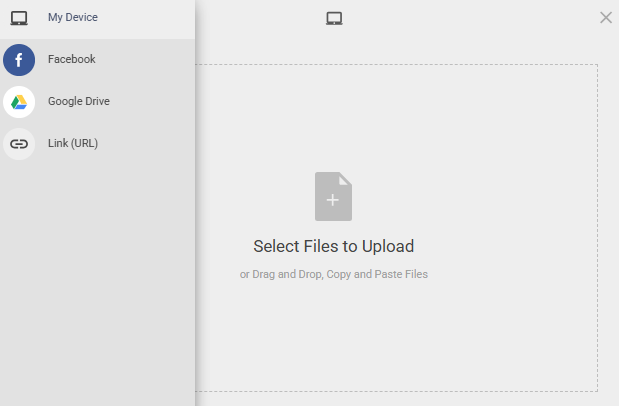
An example from a demonstration event.
File Sources
| Source | Description |
|---|---|
| My Device | Upload a file directly from your computer by selecting it or dragging it into the upload area. |
| Connect to your Facebook account to select a file from there. | |
| Google Drive | Connect to your Google Drive account to select a file from there. |
| Link (URL) | Link directly to a file hosted online by entering its URL. |