How To Create A New Organization As A Participant
If you participated in an event on Auctria and want to use the platform for your own fundraiser, you'll need to create a new organization. You can use the same email address you used as a participant, or create a new account with an organizational email address.
New Email Address?
If you're using a new email address, see the Account Setup guide for complete setup instructions.
Go to the event website where you're registered as a participant. This is typically the easiest place to access your profile.
- Scroll to the bottom of the page
- Click on your email address in the bottom right corner

Click your email to open the menu.
Click Your Profile from the menu.
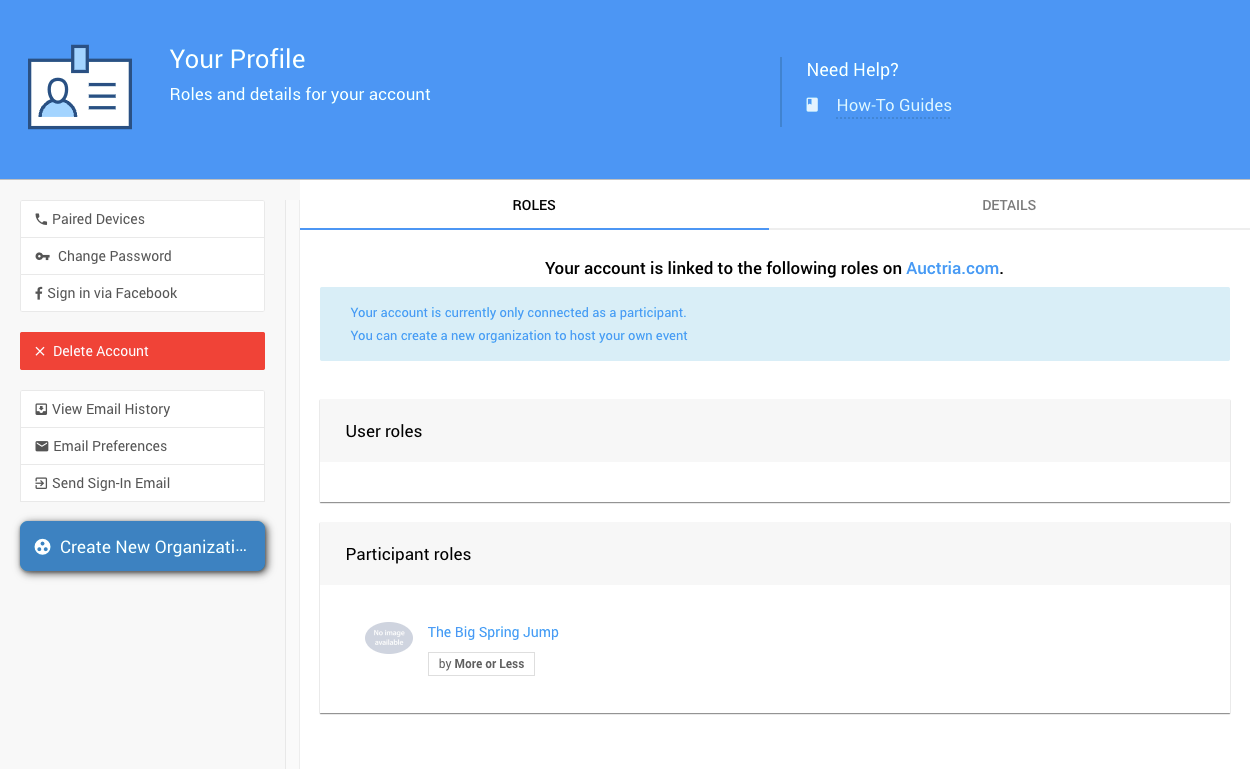
Your Profile page.
- On the Your Profile page, click the Create New Organization button at the bottom left
- Follow the prompts to set up your new organization
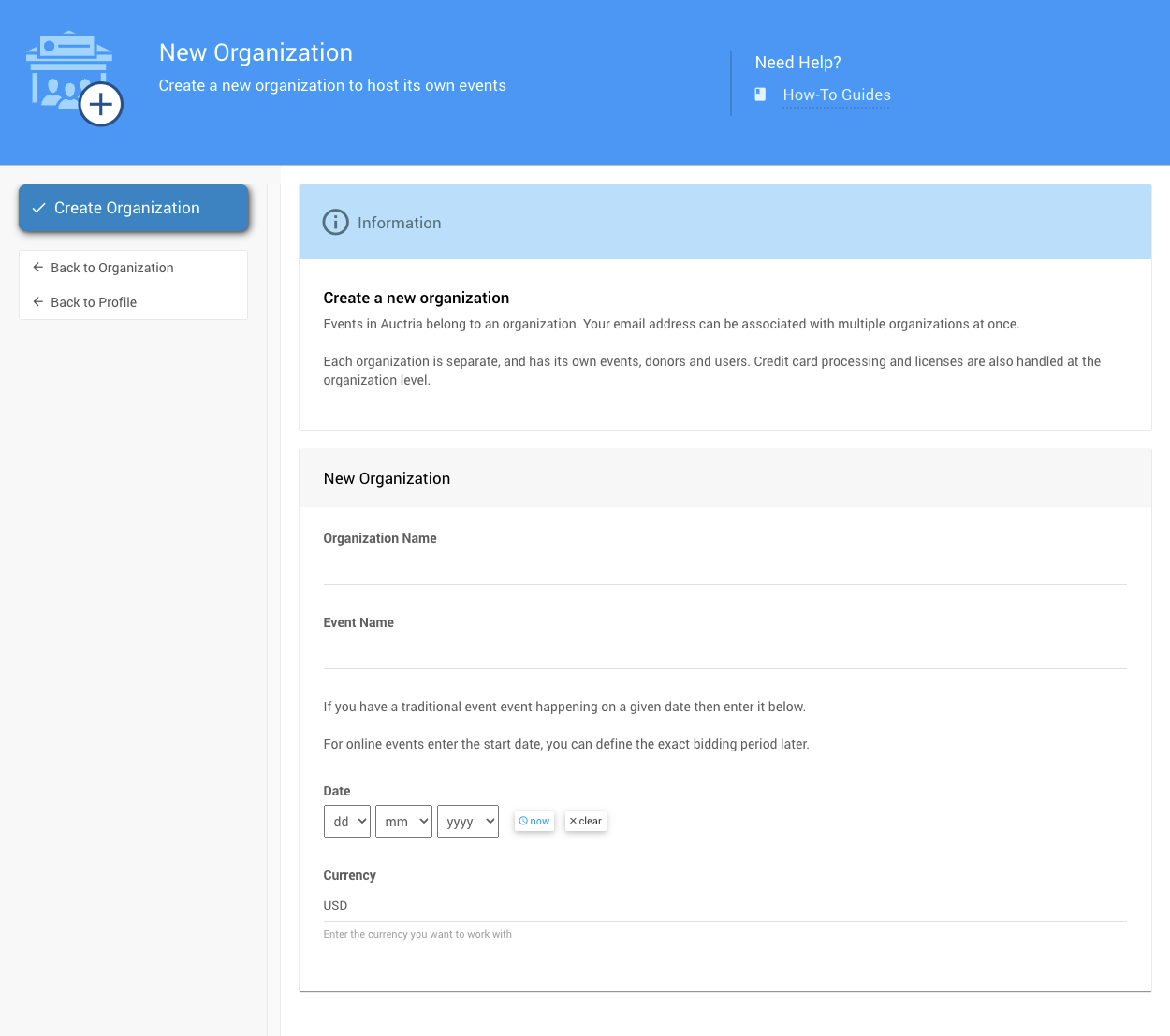
Click Create New Organization to get started.
For detailed setup instructions, see the Account Setup guide.
Last reviewed: February 2026