
Step-by-step instructions for creating your Auctria account and setting up your first event from the Auctria website.
Step 1: Start Your Free Trial
From the Auctria homepage (auctria.com), click Try Auctria Free.
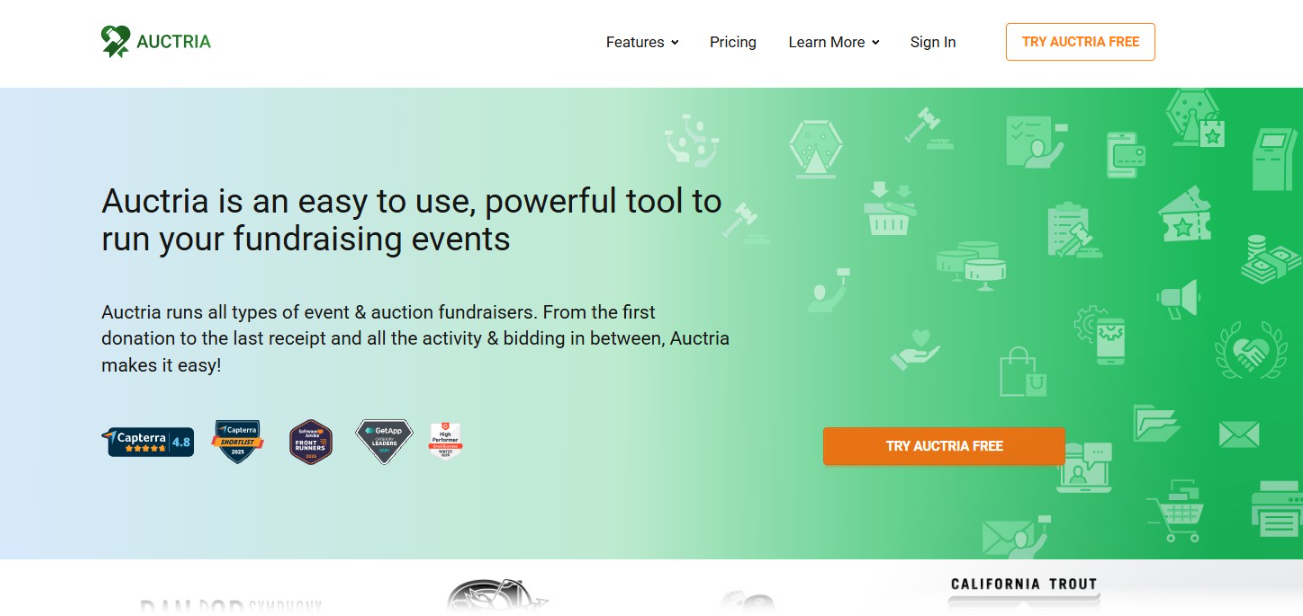
Click Try Auctria Free on the homepage to begin.
Step 2: Enter Your Email Address
Enter your email address and click Get Started.
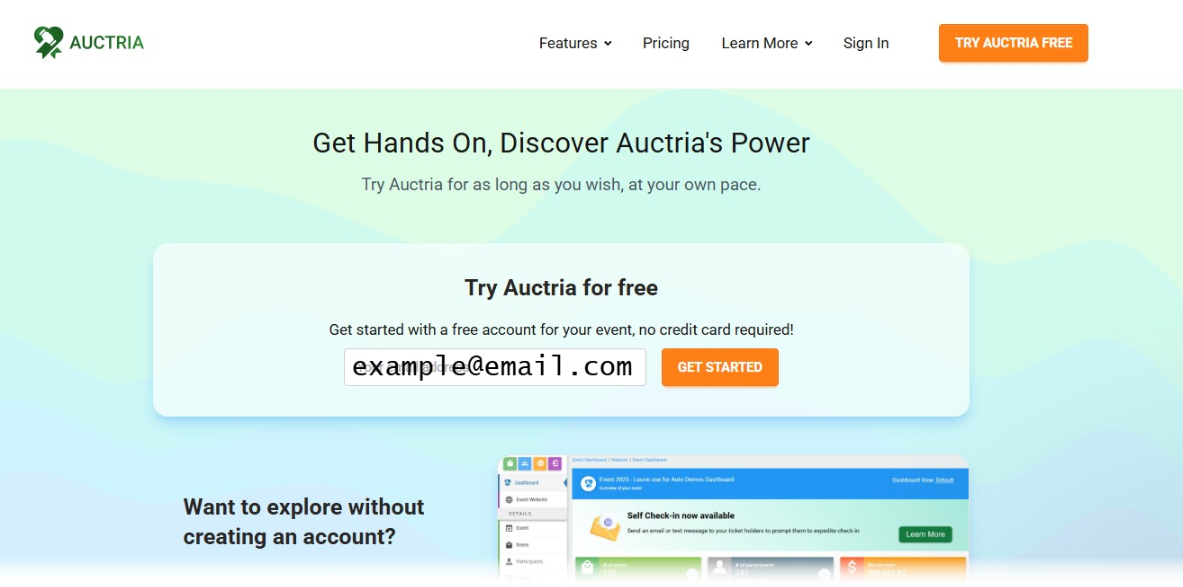
Enter your email address to begin creating your account.
Step 3: Create a Password
A new page will open with the email address you entered already filled in. Enter your password into the fields and click Sign up.
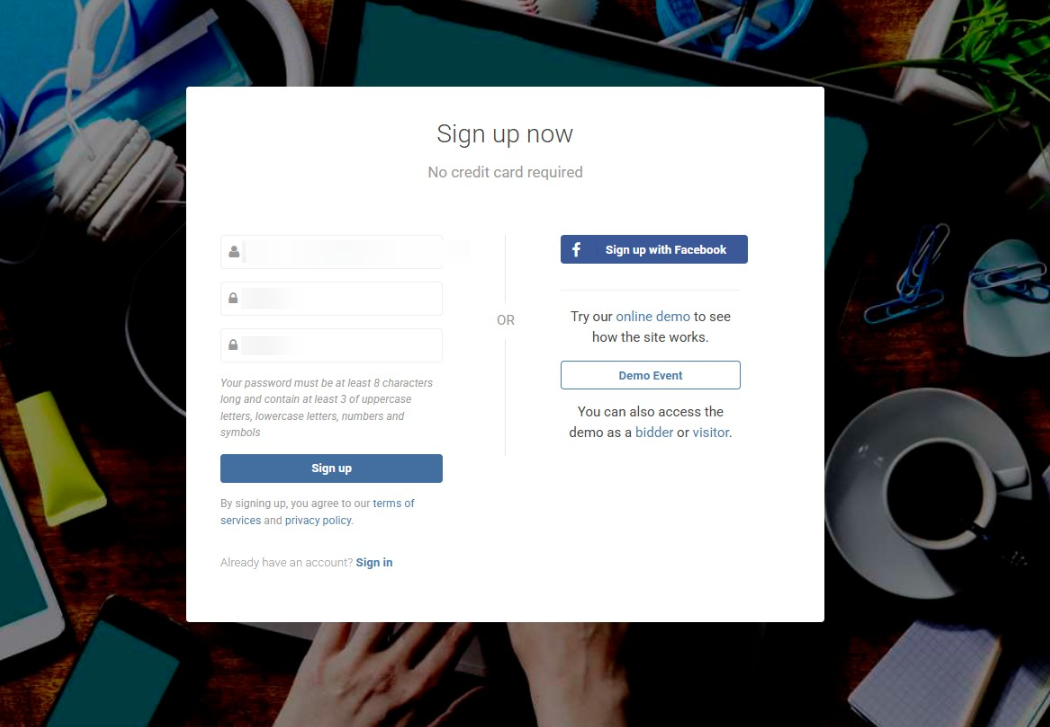
Create a password for your new Auctria account.
Step 4: Add Contact & Event Details
On the next page, enter your contact and event details, then click Create Account.
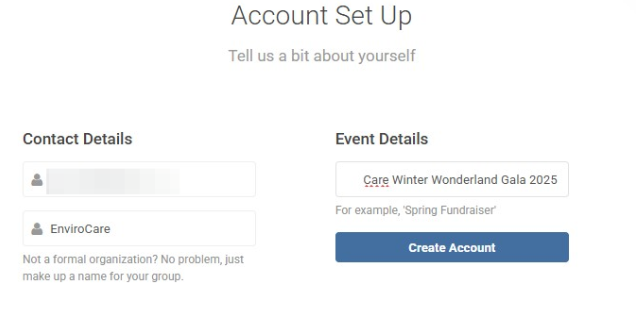
Fill in your contact and event details to create your account.
Step 5: Add Additional Event Details
Enter a few more event details, including the location, your organization's email, and the event date.
Good to know:
You can always change these details later.
Click Create Event to finish.
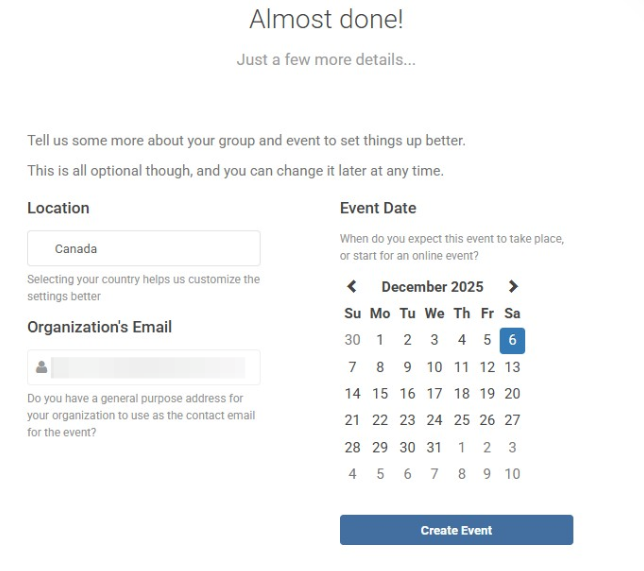
Add your event's location, organization email, and event date.
Step 6: Explore Your Dashboard
Your Auctria event dashboard will automatically open. From here, you can watch the Dashboard Introduction video or continue exploring your event.
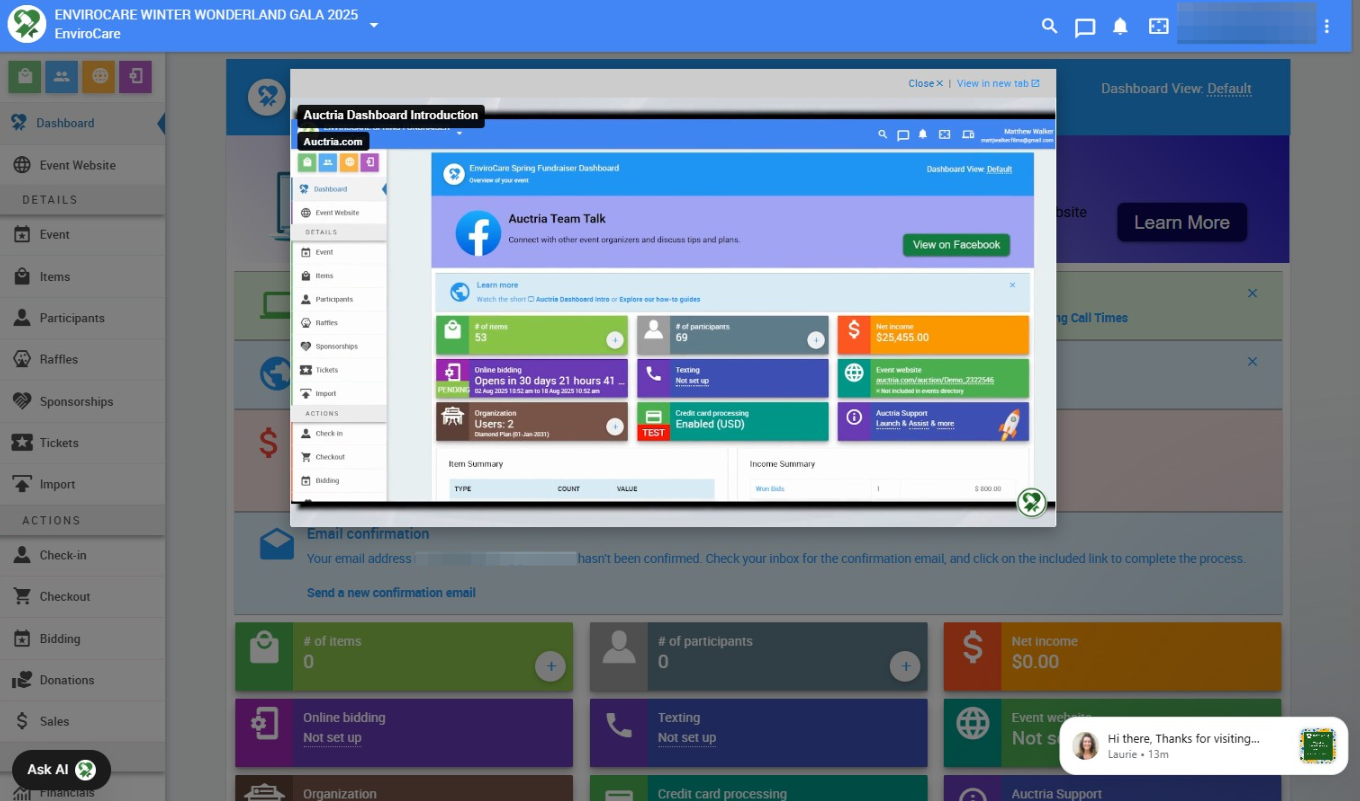
Your new event dashboard, ready to explore.
What's Next?
Now that your account and event are created, continue with the rest of the First Steps guide:
- Add your organization info
- Add admins & users
- Connect a credit card processor