
An overview of what happens when duplicate emails are found in Auctria.
Duplicate Emails happen when more than one participant record in an event uses the same email address.
Why Duplicate Emails Happen
Duplicate emails can occur for several reasons. Some of the more common ones are:
- Importing Participants from an external source.
- Manually adding participants to the event.
- Purchasers using their own email address for each of their guests when buying a Ticket Item(s) that provides for multiple admissions or registrants.
Problems With Duplicate Emails
- Who is logging in?
When multiple participant records in an event use the same email address, Auctria has no way of knowing who is logging in. This is the biggest issue with duplicate emails. - What happens when someone logs in?
If a participant tries to log in with an email address that is duplicated in the event, they receive an error message and can't continue. You'll need to fix the duplicate email first.
Fixing Duplicate Emails
You can fix most duplicate email issues with the Participant Maintenance functions, using the Maintenance: Duplicate Emails dashboard. It gives you a list of the participant records that share an email address.
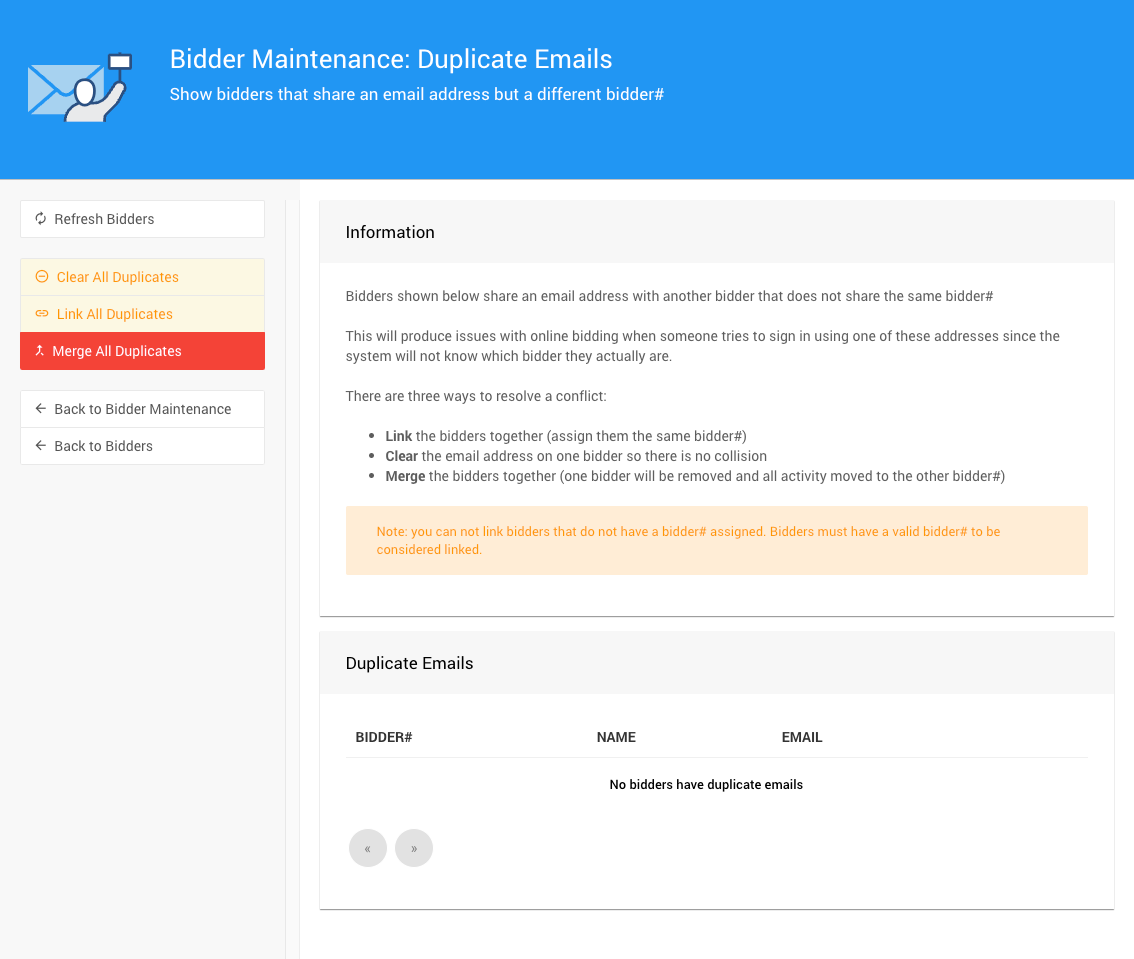
The Duplicate Emails dashboard from a demonstration event.
See Maintenance: Duplicate Emails and Linking Versus Merging? for more information on how to best address the participant records listed.