
Learn how to delete Items in Auctria.
You can delete an item from its Item Details page.
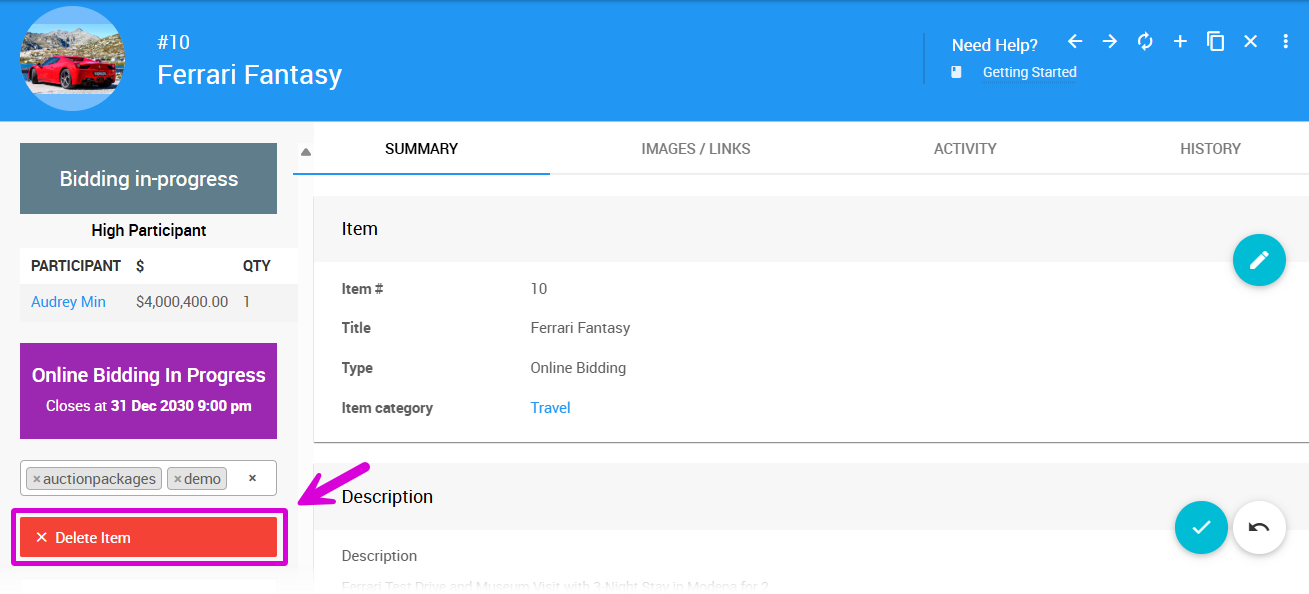
An example from a demonstration event.
Click Delete Item on the left sidebar of the page.
A popup window will appear asking you to confirm the deletion.
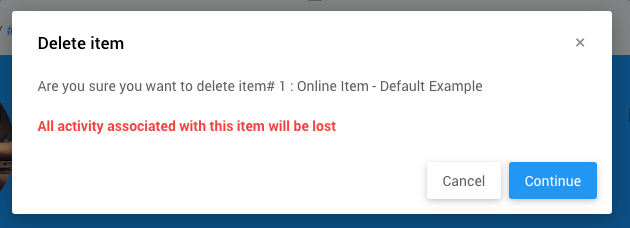
An example from a demonstration event.
Items With Activity Cannot Be Deleted
If the item has activity, you will not be able to delete the item. See How To Remove An In-Progress Bid for more details.
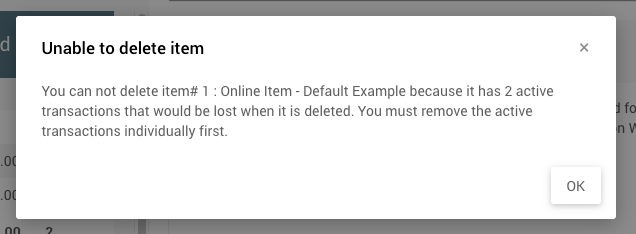
An example from a demonstration event.