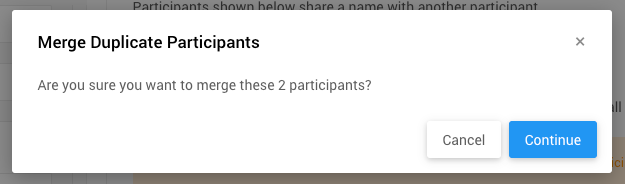
Participants shown under the Participant Maintenance: Duplicate Names section on this page share a name with another participant that does not share the same participant number.
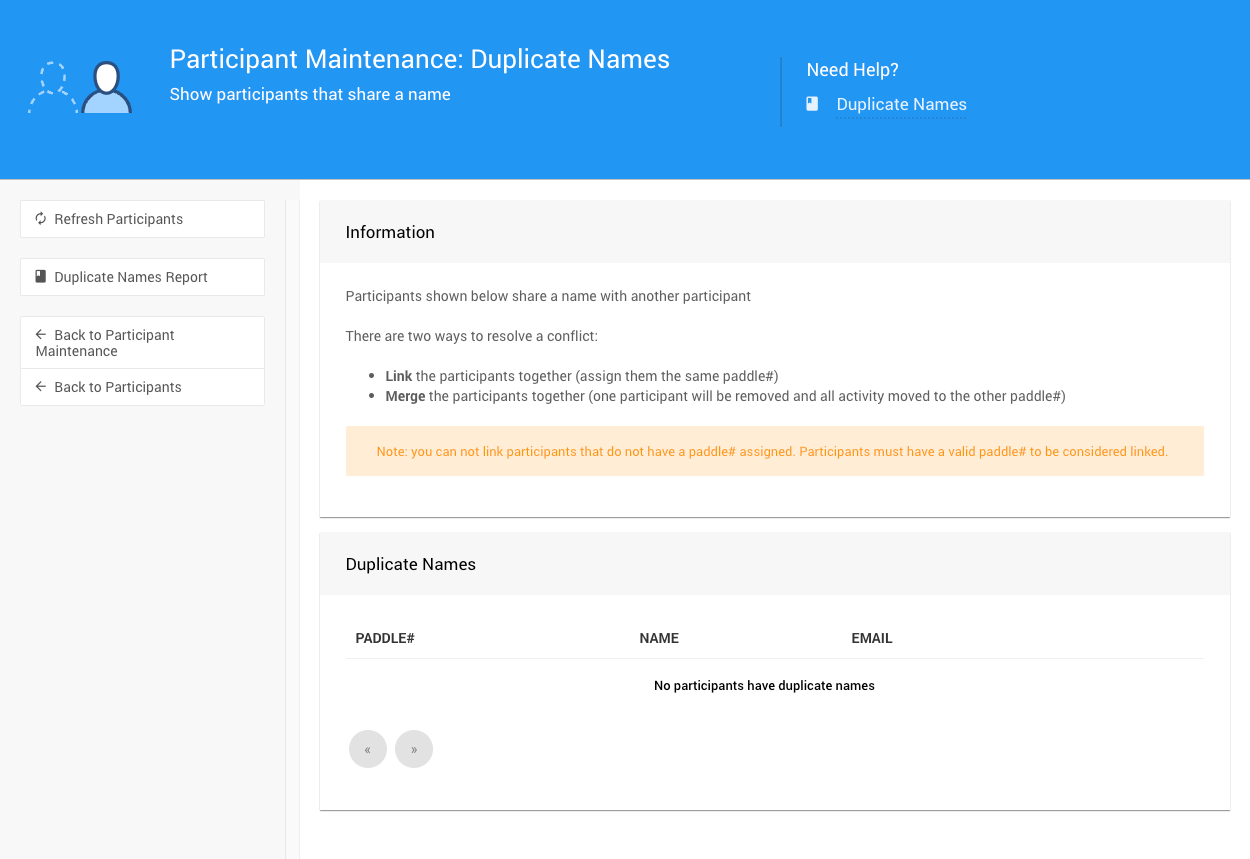
The dashboard with no Duplicate Names.
There are two ways to resolve this type of conflicting information.
Duplicate Names Exist
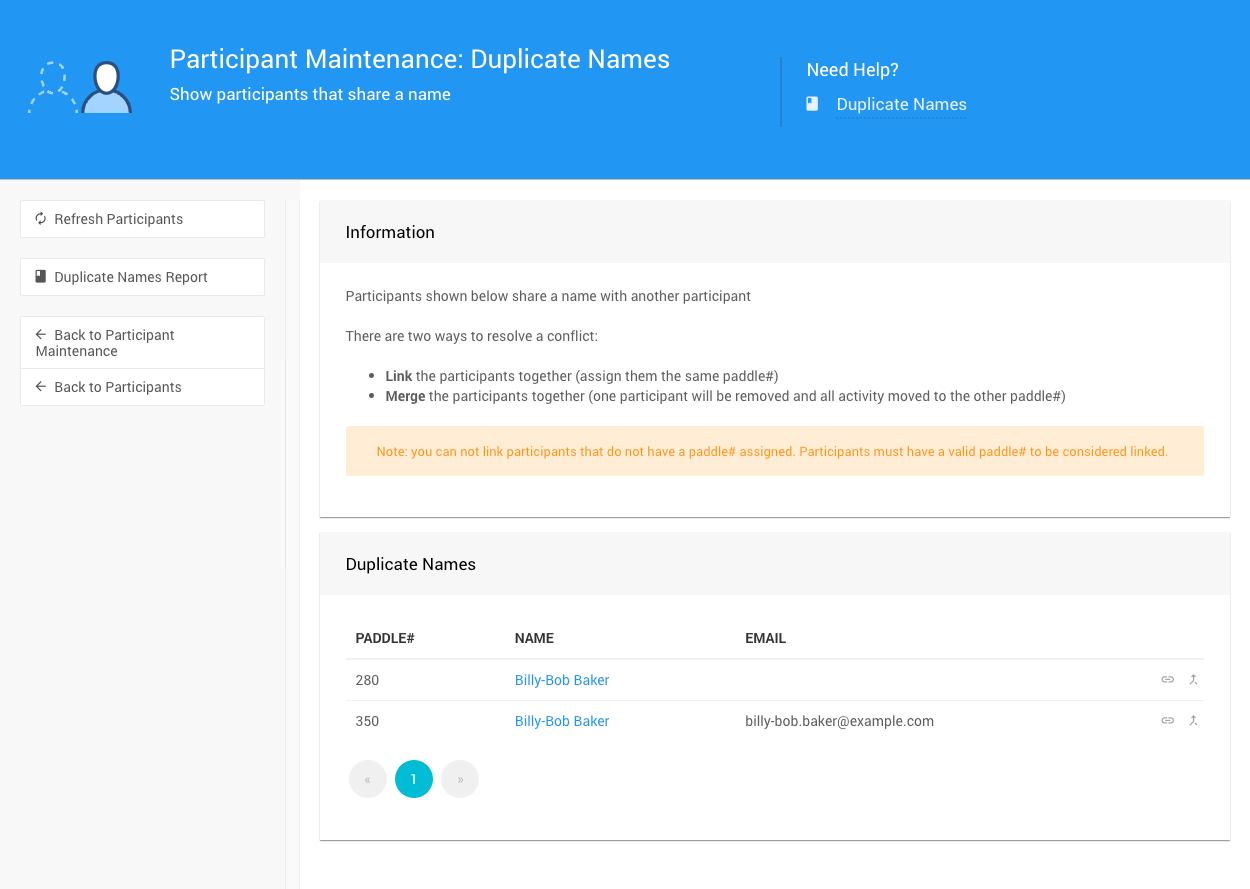
An example taken from a demonstration event.
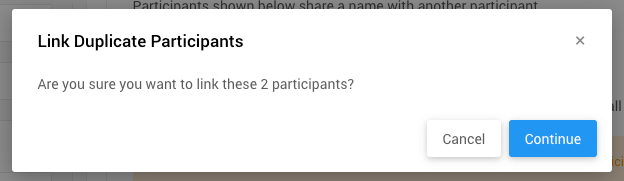
Link Duplicate Participants
To Link the participants you would click on one of the "link" icons () at the far right of their row.
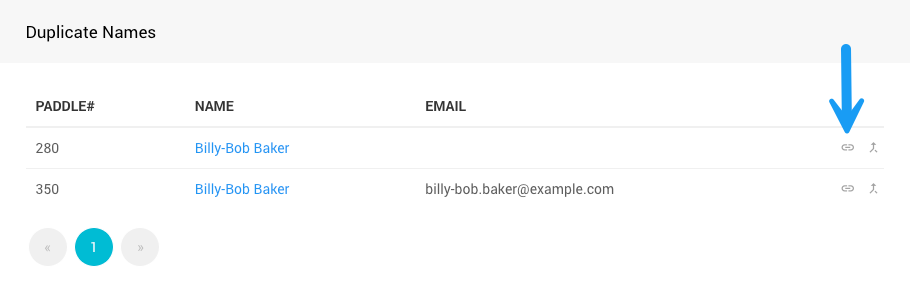
An example taken from a demonstration event.
This will open a pop-up confirmation window.
Merge Duplicate Participants
To Merge the participants you would click on the "merge" arrow icon () at the far right of their row.
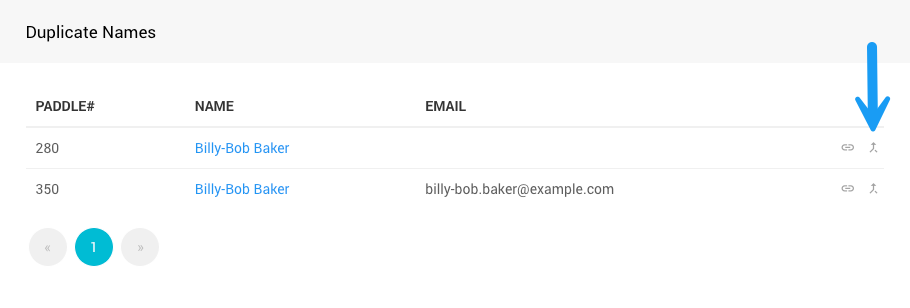
An example taken from a demonstration event.
This will open a pop-up confirmation window.